If you have ever needed a number and had no way to pull it yourself, you already know why self-service analytics tools exist. Every team runs into this. Waiting on the data team isn't always practical when a decision has to happen this week, and building a workaround in spreadsheets falls apart the moment the numbers get complicated.
Self-service analytics tools give business teams a way to explore, query, and visualize data on their own, without SQL and without a ticket queue. The tricky part is choosing the right one.
This guide covers the 8 best self-service analytics tools for 2026, with real pricing, honest cons, and a governance-first scoring lens to help you pick.
What is a self-service analytics tool?
A self-service analytics tool allows business teams to access, explore, and visualize data without relying on an analyst for every request. It connects to data warehouses, spreadsheets, and SaaS applications, then prepares and models the data for use in dashboards, reports, and natural language searches.
The typical user is not a data specialist. They work within a business function, understand the questions behind the numbers, and need answers while those questions are still relevant.
Teams that commonly use self-service analytics tools include:
-
Finance teams tracking month-end performance and preparing forecasts.
-
Marketing teams monitoring campaign spend and comparing channel performance.
-
Operations teams identifying supply, inventory, and throughput issues before they cause wider disruptions.
How do self-service analytics tools work?
Self-service analytics tools move data through a structured pipeline before making it available to business users. The user may see a dashboard, report builder, or search bar, while the platform handles the technical processes in the background.
A typical self-service analytics workflow includes the following steps:
-
Connect: The platform securely connects to databases, cloud data warehouses, spreadsheets, and SaaS applications.
-
Prepare: It cleans, joins, and standardizes data so reports use consistent and reliable information.
-
Model: It defines shared business metrics so terms such as revenue, churn, and customer acquisition cost mean the same thing across teams.
-
Present: Users access the data through dashboards, filters, drill-down views, and natural language search.
-
Refresh: The platform updates connected data on a set schedule, keeping dashboards and reports current without manual intervention.
A governance layer controls access, protects sensitive information, and keeps data trustworthy. A 2025 University of Melbourne and KPMG study found that 48% of employees surveyed had uploaded company data to public AI tools. Governed analytics limits this risk through approved systems and access controls.
OvalEdge POV:
The old question was, "Can we deploy AI or self-service tools?" The new question is, "Can our data, workflows, policies, and governance support them in the real world?" Self-service without governed enterprise context creates the same problem AI agents do: fast answers no one can trust.
Self-Service Analytics Tools at a Glance: Top 8 Compared
The right self-service analytics tool depends largely on two factors: the level of governance your organization requires and the technical skills of the people using it. The table below compares eight tools by starting price, governance depth, suitability for non-technical users, and key limitations.
|
Tool |
Starting price |
Best fit |
Governance depth |
Non-technical fit |
Key consideration |
|
OvalEdge askEdgi |
Custom quote |
Enterprises seeking governed self-service analytics |
High, with catalog-native governance |
High, with natural language search |
Offers the greatest value to organizations already investing in data cataloging and governance. |
|
Tableau |
$15 per user per month |
Teams prioritizing visual analysis |
Medium, with role-based controls |
Medium, with drag-and-drop tools |
Per-viewer licensing costs can rise quickly as adoption grows beyond 50 users. |
|
Microsoft Power BI |
$14 per user per month |
Organizations using the Microsoft ecosystem |
Medium, with role-based controls |
High, with an Excel-like interface |
Consistent governance requires carefully designed and maintained semantic models. |
|
Looker |
Custom quote |
Organizations built around cloud data warehouses |
High, with a centralized semantic layer |
Low, because LookML knowledge is required |
Effective self-service depends on engineers maintaining the underlying LookML models. |
|
ThoughtSpot |
$50 per month for the Team tier |
Business users who prefer AI-powered search |
Medium, with role-based controls |
High, with natural language search |
Governance teams receive limited visibility into data lineage and transformation processes. |
|
Qlik Sense |
$300 for 10 users per month |
Power users conducting associative data analysis |
Medium, with role-based controls |
Medium, with drag-and-drop tools |
The learning curve becomes steeper as users move beyond basic dashboards and analysis. |
|
Cube |
Free tier or $40 per developer per month |
Development teams building a governed semantic layer |
High, with API-native governance |
Low, because it is API-first |
Cube requires a separate front end, such as Apache Superset or Streamlit, for data exploration and visualization. |
|
Mammoth |
2 builders at $39 per week |
Small and midsize operations teams |
Low, with basic access controls |
High, with drag-and-drop tools |
Its governance and enterprise capabilities are less extensive than those of larger platforms. |
Prices reflect publicly listed starting rates as of September 2026. Vendors may change their plans and pricing, so confirm the latest details on each vendor’s website before making a decision.
How We Selected the Best Self-Service Analytics Tools
-Sep-22-2026-12-41-37-9252-PM.png?width=1024&height=569&name=info%201%20(1)-Sep-22-2026-12-41-37-9252-PM.png)
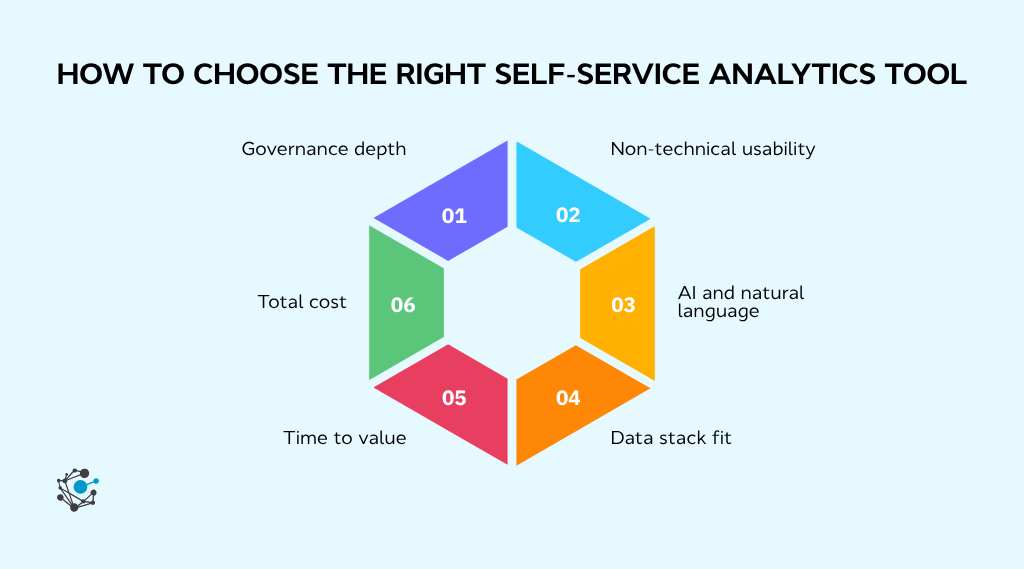
We selected the eight tools by evaluating each one against four criteria: governance depth, non-technical usability, data stack fit, and total cost. Applying the same criteria in the same order keeps the comparison consistent across products designed for different users and priorities.
Each tool was assessed on the following criteria:
-
Governance depth: Strong governance allows business access to expand without weakening control over sensitive or unreliable data. It also helps teams confirm where information came from and whether it is approved for use.
-
Non-technical usability: An accessible tool helps business teams answer routine questions without waiting for technical support. Users should be able to search data and create dashboards with minimal assistance.
-
Data stack fit: Compatibility with existing systems reduces setup time and technical complexity. A poor fit may require additional infrastructure before teams can use the tool effectively.
-
Total cost: The starting price rarely reflects the full investment. Broader adoption and long-term platform management can make an affordable tool considerably more expensive at scale.
Product labels also need verification. Compare the actual role of the semantic layer in each platform, including where metrics are defined, how access is enforced, and which tools consume those definitions.
Top 8 Self-Service Analytics Tools in 2026
Disclosure: OvalEdge is the publisher of this comparison. We've evaluated our product, askEdgi, by the same criteria as every other tool on this list.
1. askEdgi
askEdgi is OvalEdge’s natural language analytics layer. Business users ask questions in plain English, review the generated SQL or Python, and approve it before execution against governed enterprise data. Approved logic can be saved for reuse.
Best for: Organizations that already use OvalEdge and want governed, natural language access to cataloged data.
How does askEdgi support governance and security?
Enterprise data remains within the organization’s security boundary. The language model works with metadata, schemas, and approved logic, while secure compute handles query execution.
A 2026 Forrester TEI study of a composite OvalEdge customer reported 337% ROI with payback in under six months, a 75% reduction in compliance team effort for sensitive data discovery, and enterprise-wide PII detection within 45 days of the proof-of-concept.
Key controls include:
-
Protected access: Permissions follow existing roles and departments.
-
Sensitive-data controls: PII and PHI masking applies automatically.
-
Trusted results: Existing data quality rules carry into each query.
-
Complete lineage: Data lineage shows where each result originated.
-
Auditability: Every query records the data accessed, logic applied, and result produced.
askEdgi supports major requirements across privacy, security, healthcare, banking, and AI governance.
Want the technical architecture and enterprise details? Read the askEdgi Agentic Analytics whitepaper
Is askEdgi right for my team?
askEdgi suits mid-market and enterprise teams that prioritize governance, traceability, and controlled access.
-
Choose askEdgi if OvalEdge already serves as your data catalog and business users need faster access to approved data.
-
Consider another tool if you need quick dashboards from spreadsheets or do not have a cataloged data environment.
askEdgi converts plain-English questions into SQL or Python for user approval before execution. Approved logic can then be saved as a reusable recipe for recurring analysis.
Kambi uses OvalEdge’s catalog, glossary, and lineage to support governed self-service analytics across its data mesh. Ownership tags help teams identify who created a metric within seconds and maintain a consistent source of truth.
Where does askEdgi fall short?
-
Implementation effort: askEdgi depends on a populated OvalEdge catalog, making setup more involved than with a standalone BI tool.
-
Product maturity: Its visualization and support ecosystem remain less developed than Tableau or Power BI. Reviewer feedback also notes difficulty identifying PII in unstructured data.
See what askEdgi can do with your data. Book a demo today and test it against a real business question, a governed metric lookup, or a sensitive-data query from your own catalog.
2. Tableau
Tableau is a visual-first analytics platform from Salesforce. Its drag-and-drop interface helps business teams explore data and build interactive dashboards, provided someone prepares the underlying data sources and metrics.
Best for: Teams that prioritize visual analysis and have the technical support needed to maintain trusted data sources.
How does Tableau support governance and security?
Tableau provides permissions, row-level security, and certified data sources. Governance depth depends on how carefully teams configure and maintain these controls.
Key controls include:
-
Managed access: Administrators control content through user roles and permission groups.
-
Data security: Row-level policies restrict which records each user can view.
-
Trusted sources: Certification helps users identify approved data for analysis.
-
Lineage: Tableau Data Management adds Catalog capabilities for lineage and impact analysis.
-
Data preparation: Prep Conductor schedules and monitors published preparation flows.
Tableau Cloud supports SOC 2, ISO, HIPAA, GDPR, and PCI requirements. However, governance remains configuration-dependent and requires ongoing ownership.
Is Tableau right for my team?
Tableau suits organizations that communicate through dashboards and have someone available to manage data preparation and advanced calculations.
-
Choose Tableau if teams need flexible visual exploration and polished dashboards built from prepared data.
-
Consider another tool if natural language search must be the primary interface or broad viewer access would create licensing pressure.
Tableau Pulse provides AI-generated summaries and guided metric exploration. Plain-language Enhanced Q&A is available as a premium Tableau+ capability.
Where does Tableau fall short?
-
Scaling overhead: Wider adoption can increase viewer costs and the administrative work required to keep dashboards consistent.
-
Large-data performance: User feedback highlights Tableau’s intuitive interface but also notes slower dashboard refreshes when working with very large datasets.
3. Microsoft Power BI
Microsoft Power BI is a self-service analytics platform built around the Microsoft ecosystem. Its familiar interface and native connections to Excel, Azure, Microsoft 365, and Fabric make it a practical choice for teams already using Microsoft products.
Best for: Microsoft-stack teams that need accessible dashboarding at a relatively low per-user price.
How does Power BI support governance and security?
Power BI combines built-in access controls with Microsoft’s wider security stack. Deeper data discovery and classification capabilities come through integrations with Microsoft Purview and Fabric.
Key controls include:
-
Identity management: Microsoft Entra ID manages authentication and user access.
-
Data restrictions: Row-level security limits the records each user can view.
-
Content management: Workspace roles control who can create, edit, or distribute reports.
-
Sensitive-data protection: Microsoft Purview applies sensitivity labels to protected content.
-
Data governance: Purview integration supports data discovery and cataloging across the Microsoft environment.
Governance can be effective, but its depth depends on the organization’s investment in Microsoft Purview and Fabric.
Is Power BI right for my team?
Power BI suits organizations already using Microsoft 365, Azure, or Fabric. Excel users can usually begin building basic reports quickly, although advanced modeling requires DAX knowledge.
-
Choose Power BI if your team needs affordable visual analytics that works closely with existing Microsoft tools.
-
Consider another platform if your stack centers on AWS or Google Cloud, or if governance must work without additional Microsoft services.
Copilot answers data questions, summarizes reports, creates visuals, and assists with DAX, but requires Fabric or Premium capacity. Power BI Q&A will retire in February 2027.
Where does Power BI fall short?
-
Report complexity: Feedback on day-to-day use indicates that larger reports can become difficult to navigate and manage.
-
Licensing limits: Pricing becomes harder to assess as requirements grow, while Power BI Pro permits only eight scheduled refreshes per day.
4. Looker
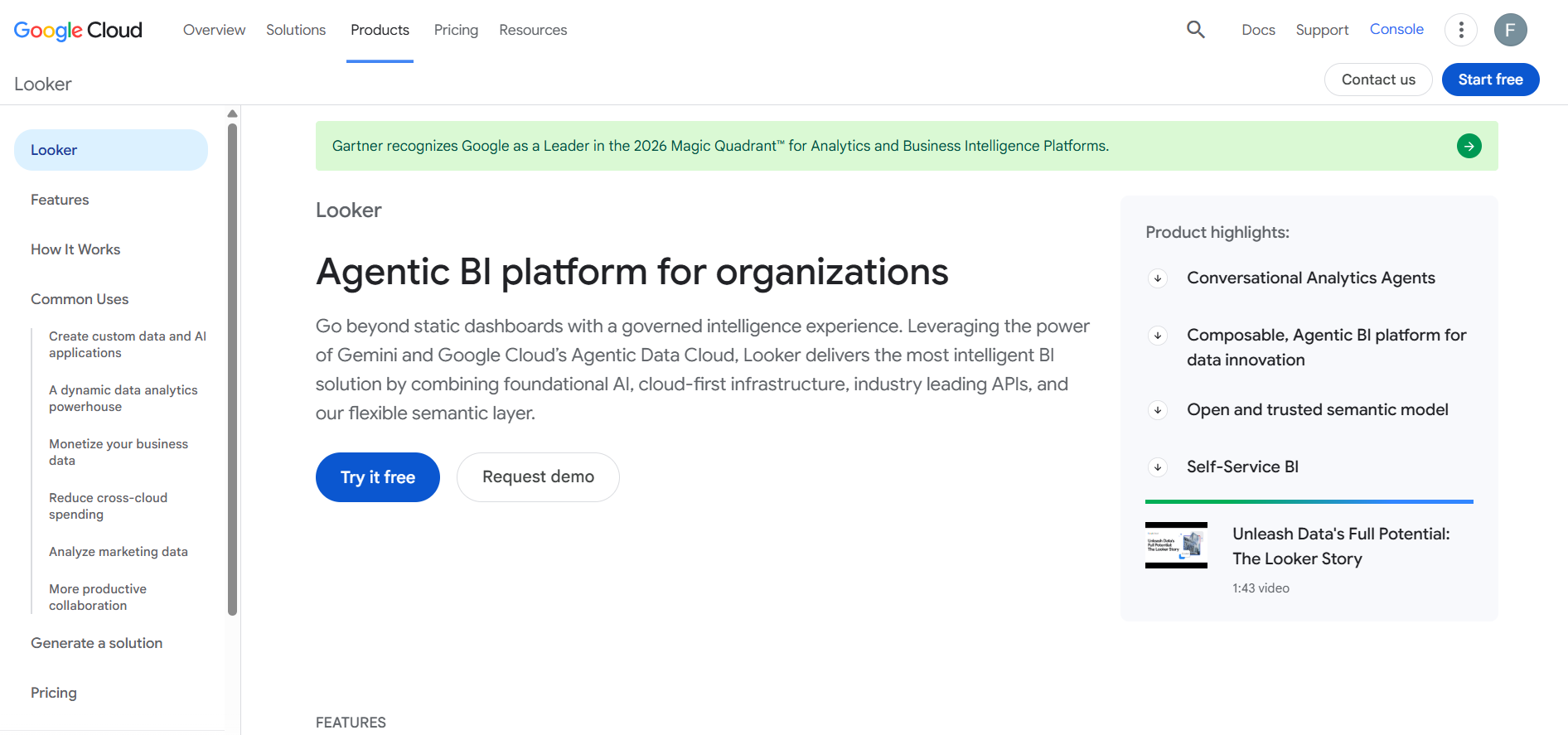
Looker is Google Cloud’s warehouse-native analytics platform. Its LookML semantic layer centralizes business metrics, while dashboards and reports query the connected warehouse for current data.
Best for: Data-mature organizations that need consistent metrics and have engineers available to maintain LookML models.
How does Looker support governance and security?
Looker places governance inside its semantic layer. Metrics are defined once in LookML and reused across dashboards, helping teams work from consistent definitions.
Key controls include:
-
Central modeling: LookML establishes shared dimensions and calculations.
-
Managed access: Roles determine which content and features users can access.
-
Model permissions: Teams can restrict access to specific data models.
-
Row-level controls: User attributes limit the records visible to each person.
-
Version control: Git tracks changes to LookML projects and supports review workflows.
Governance remains dependent on model quality. Poorly maintained LookML can still produce inconsistent or incomplete reporting.
Is Looker right for my team?
Looker suits organizations with a modern cloud warehouse and an engineering team capable of managing the semantic layer.
-
Choose Looker if consistent metric definitions matter more than unrestricted dashboard creation.
-
Consider another tool if business users need a drag-and-drop experience without support from data engineers.
Once LookML is configured, Explore lets business users filter, pivot, and drill into approved data without writing SQL. New metrics still require modeling support.
Where does Looker fall short?
-
Learning curve: Looker users often value its consistent metrics but find advanced modeling and dashboard customization difficult without technical experience.
-
Cost and performance: Pricing remains quote-based, while complex queries may increase warehouse costs or dashboard load times. Caching and persistent derived tables can reduce the impact when configured correctly.
5. ThoughtSpot
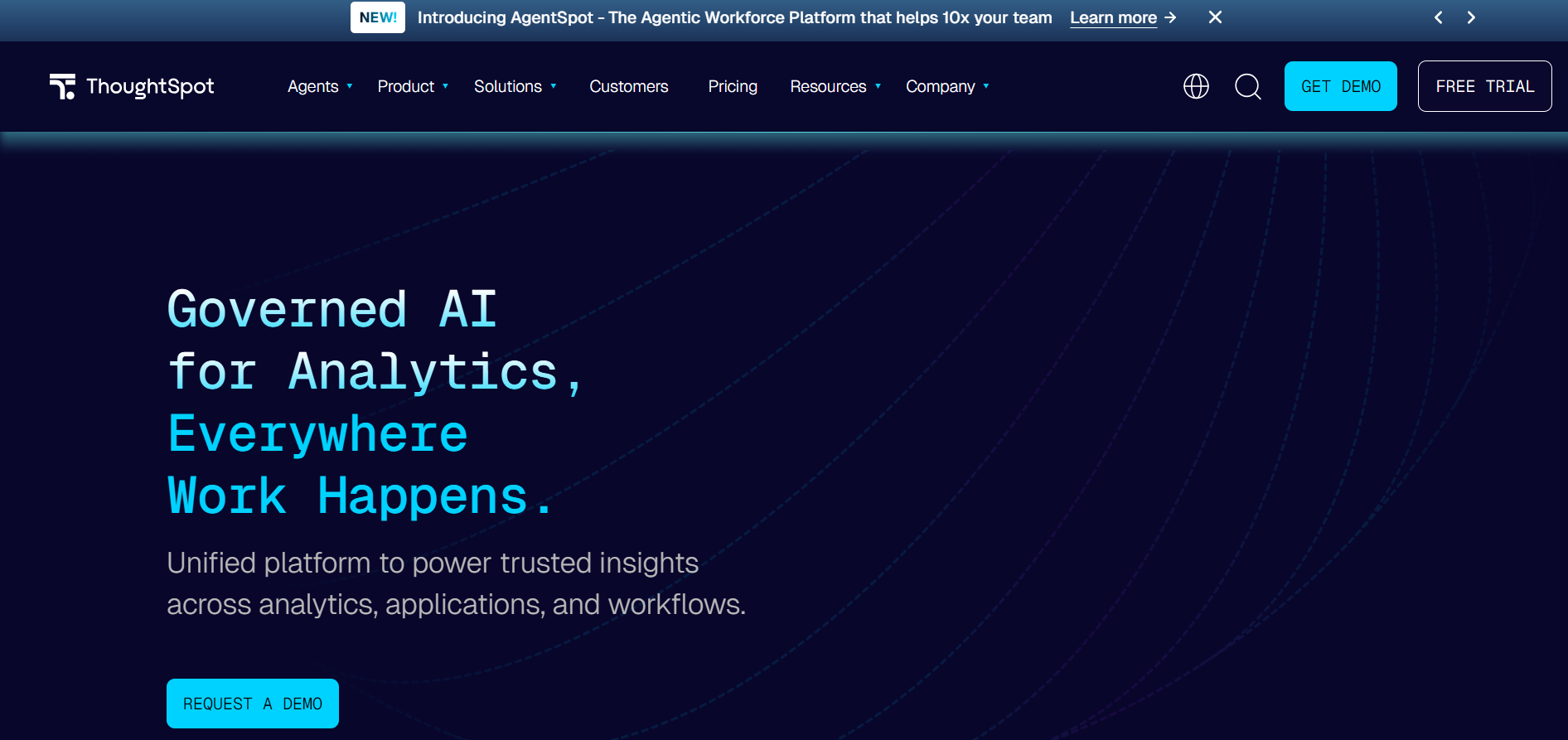
ThoughtSpot is an AI-driven analytics platform centered on natural language search. Users can ask business questions in plain English, generate visual answers, and receive automated insights without working through traditional dashboards.
Best for: Teams that want search-led analytics on cloud data and have technical support for semantic modeling.
How does ThoughtSpot support governance and security?
ThoughtSpot applies governance through its semantic layer and access controls. It can query connected cloud warehouses directly while restricting which data each user can access.
Key controls include:
-
Managed access: Groups and permissions control available content and features.
-
Row-level security: Data visibility changes according to the user.
-
Secure authentication: SAML, OAuth, and OIDC support enterprise sign-on.
-
Data protection: Encryption and data-isolation controls protect connected information.
-
Central modeling: Governed models provide context for natural language questions.
ThoughtSpot provides strong access control, but its lineage capabilities are less detailed than those of catalog-first governance platforms.
Is ThoughtSpot right for my team?
ThoughtSpot suits organizations that want business users to explore data through natural language rather than depend on fixed dashboards.
-
Choose ThoughtSpot if search and automated insights are central to how teams consume analytics. This is part of the broader shift toward conversational analytics software, where the interface itself is a search bar rather than a dashboard.
-
Consider another tool if detailed lineage or extensive visualization customization is a priority.
Spotter AI Analyst handles natural language questions, while automated insights monitor KPIs and anomalies. Answer quality still depends on a well-maintained semantic model.
Where does ThoughtSpot fall short?
-
Modeling dependency: Search quality declines when the semantic layer lacks clear or complete metric definitions.
-
Performance and cost: Performance feedback points to slow loading, while usage-based and custom pricing can make costs harder to predict.
6. Qlik Sense
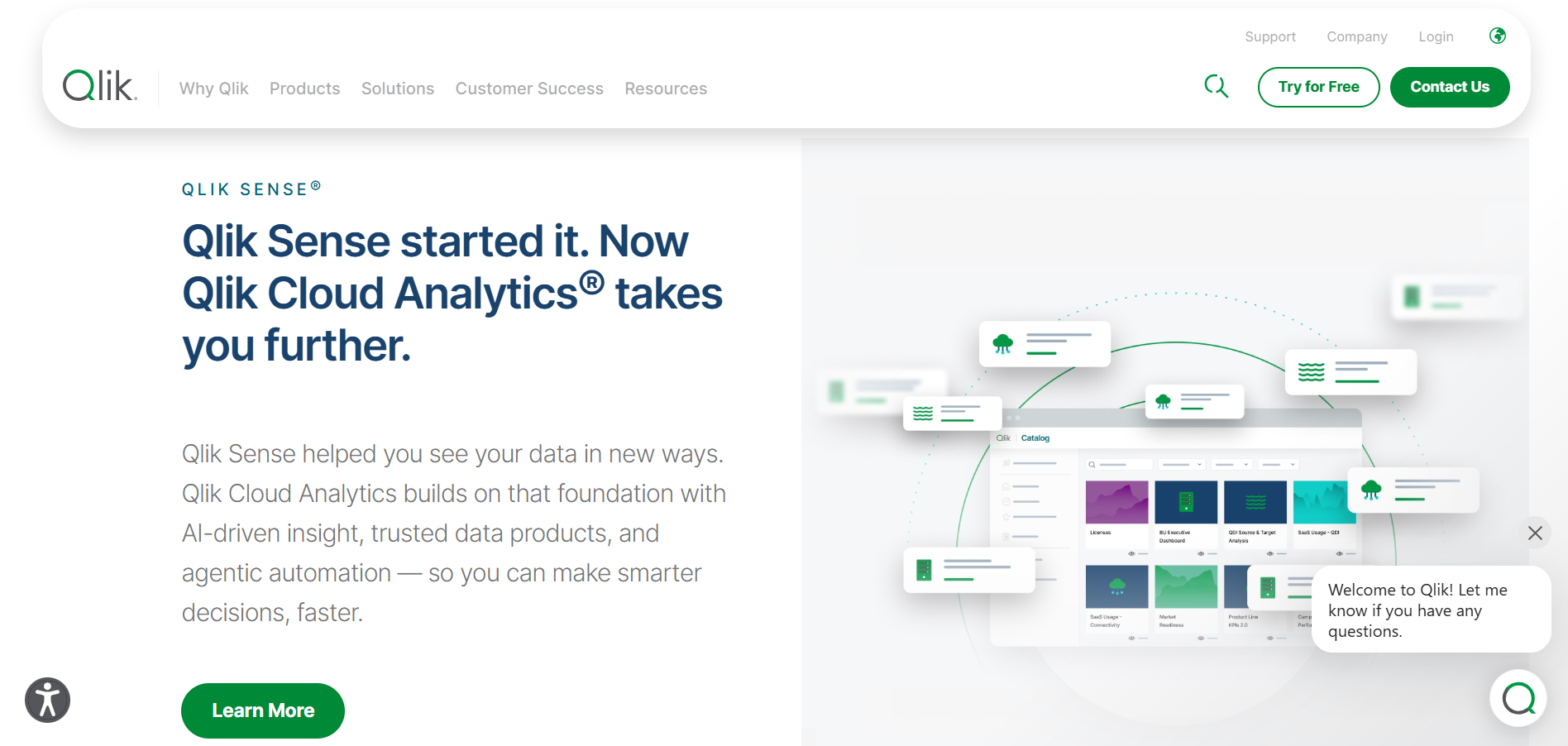
Qlik Sense is a self-service analytics platform built around Qlik’s Associative Engine. It lets users explore connected data freely and uncover relationships that fixed dashboards may miss.
Best for: Analyst-led teams that need open-ended exploration across complex, connected datasets.
How does Qlik Sense support governance and security?
Qlik Sense combines tenant-wide oversight with application-level data controls. Its governance capabilities expand through higher Qlik Cloud tiers and Qlik Talend Cloud.
Key controls include:
-
Managed access: Roles control administrative and analytical permissions.
-
Governed spaces: Managed spaces separate approved content from development work.
-
Data restrictions: Section Access restricts rows, columns, or both.
-
Data lineage: Premium includes connectors for tracing data dependencies.
-
Data governance: Qlik Talend Cloud adds cataloging, quality controls, stewardship, and end-to-end lineage.
Governance is capable but tier-dependent. Deeper lineage and cataloging require higher plans or additional Qlik products.
Is Qlik Sense right for my team?
Qlik Sense suits teams with power analysts who need to explore relationships across large, connected datasets.
-
Choose Qlik Sense if associative discovery and flexible exploration are central to your analysis.
-
Consider another tool if most users need simple dashboards with minimal training or scripting.
Qlik supports drag-and-drop dashboards and AI-assisted analysis, but advanced data preparation still requires familiarity with its scripting and modeling concepts.
Where does Qlik Sense fall short?
-
Learning curve: The associative model and Qlik scripting require more training than conventional dashboard tools.
-
Performance: User feedback highlights slow responses, while large data models can further extend dashboard loading times.
7. Cube
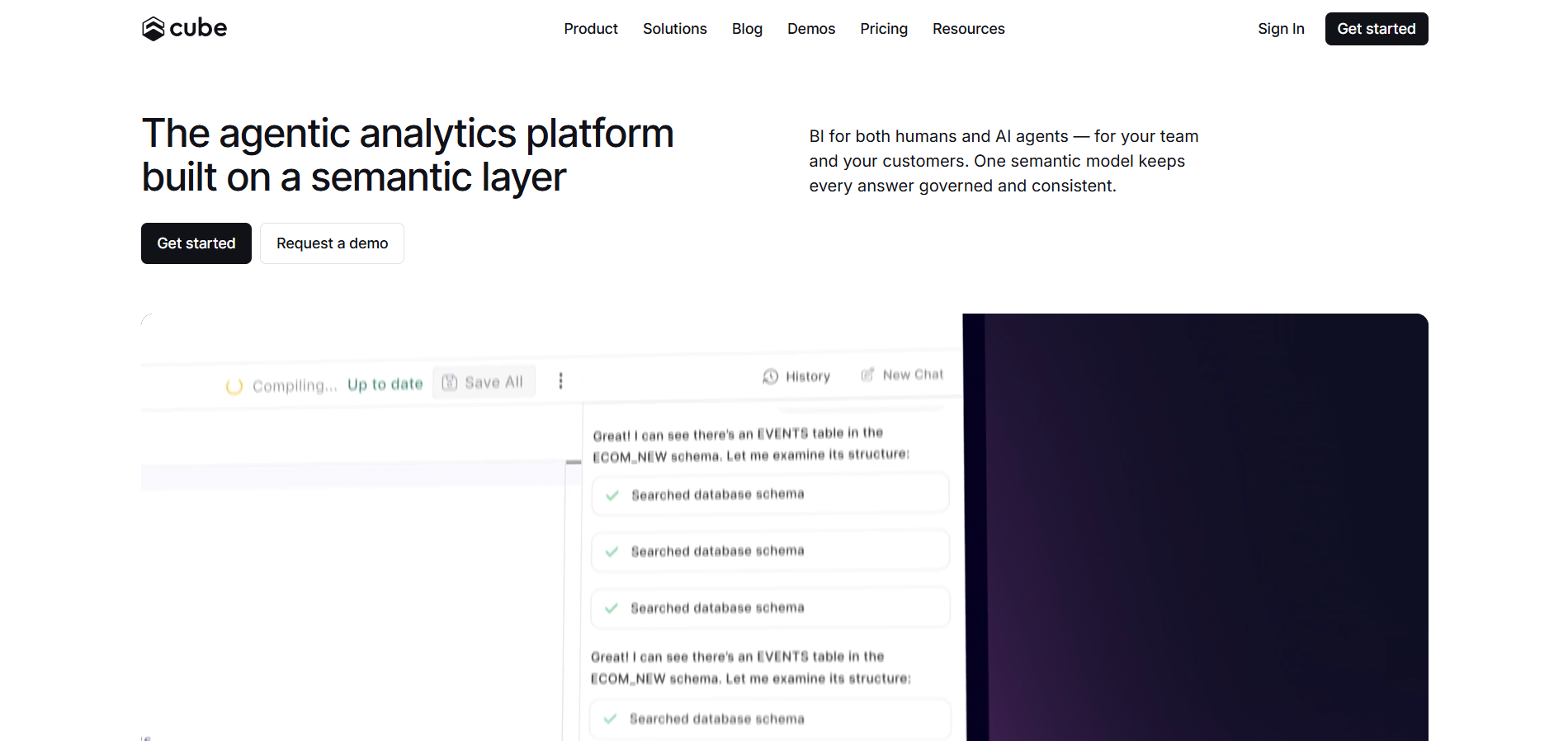
Cube is a semantic-layer and agentic analytics platform that centralizes business definitions across dashboards, embedded applications, and AI agents. Data teams define metrics once, helping every connected experience return consistent results.
Best for: Data teams that need governed metrics across BI tools, embedded analytics, and AI applications.
How does Cube support governance and security?
Cube places metric definitions and access rules inside a central semantic model. The same controls apply wherever users or applications query the data.
Key controls include:
-
Consistent metrics: Measures and dimensions follow one governed definition.
-
Controlled access: Policies restrict which data each group can query.
-
Row-level security: User attributes determine which records appear in results.
-
Secure authentication: Verified tokens pass user identity into every query.
-
Audit history: Enterprise logs record queries and security-related activity.
Cube’s security framework includes encryption, SSO, deployment controls, and audit logging. Cube Cloud supports SOC 2 Type II, HIPAA, and GDPR requirements.
Is Cube right for my team?
Cube suits organizations with engineering support that need consistent metrics across several analytics experiences.
-
Choose Cube if one semantic model must support dashboards, embedded analytics, and AI agents. Cube sits in the emerging space of agentic AI for self-service analytics, where governed semantic layers power both human and machine consumers.
-
Consider another tool if business users need a simple analytics platform with minimal technical setup.
Cube now includes workbooks, dashboards, and natural-language analytics, but engineers must still build and maintain the underlying model.
Where does Cube fall short?
-
Engineering dependency: Data models, access policies, and production deployments require ongoing support from technical teams.
-
Query history delays: Product feedback notes that query history can take longer than expected to load.
8. Mammoth
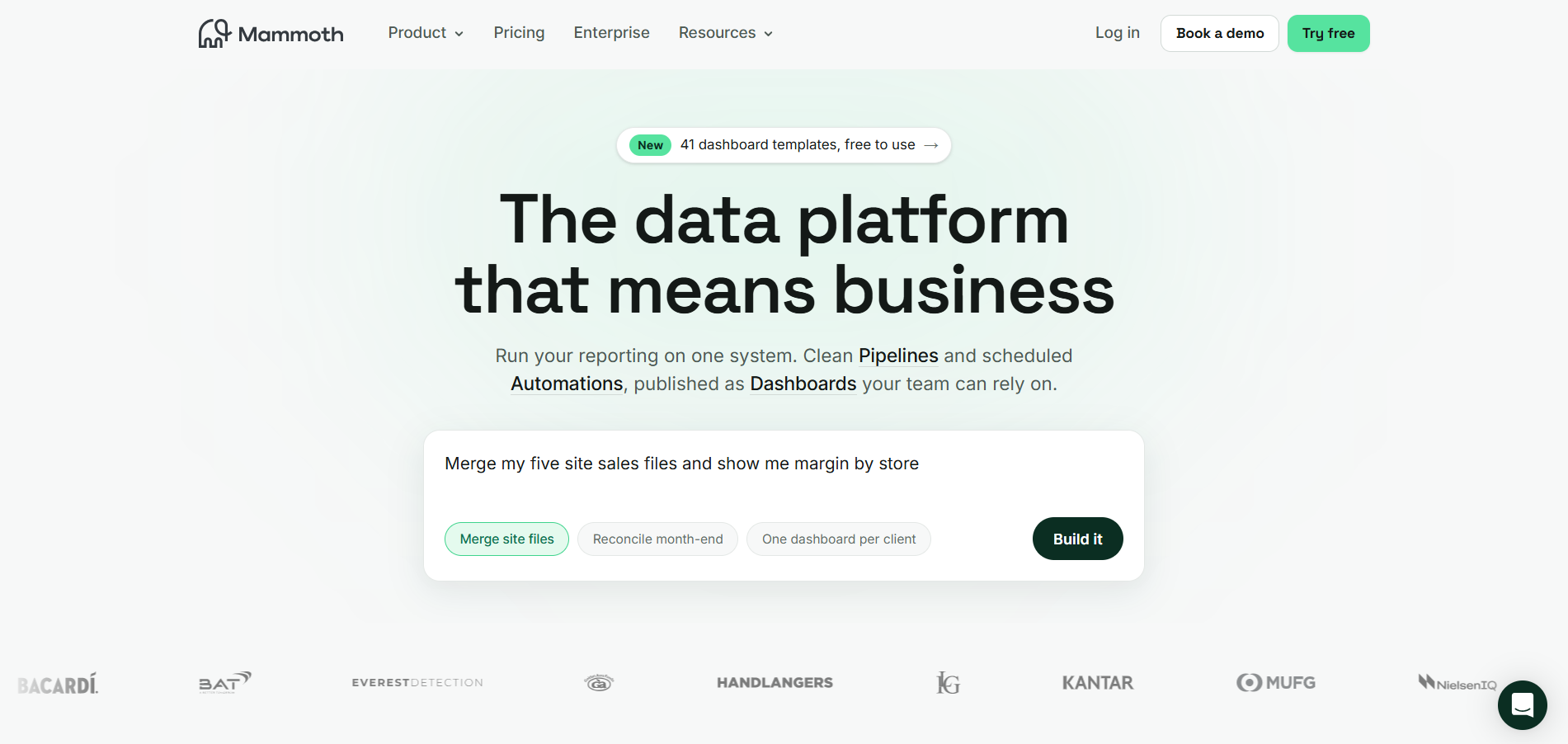
Mammoth is a no-code data preparation and analytics platform for teams that need to connect, clean, transform, and report on data without relying on engineering. It combines repeatable data pipelines with automated dashboards in one workspace.
Best for: Business teams that need no-code data preparation, automated reporting, and dashboards without building a separate analytics stack.
How does Mammoth support governance and security?
Mammoth records each transformation inside a visible, repeatable pipeline. Access controls and activity logs help teams manage how data is prepared and shared.
Key controls include:
-
Role-based access: Permissions determine who can view or edit data.
-
Row-level security: Dashboard content adjusts for each viewer.
-
Activity logs: Every user action and data change remains traceable.
-
Version recovery: Teams can restore earlier versions of a dataset.
-
Data encryption: TLS and AES-256 protect data in transit and at rest.
Mammoth’s security controls include SSO, custom roles, audit trails, and private deployment options. The platform supports SOC 2 Type II, ISO 27001, HIPAA, and GDPR requirements.
Is Mammoth right for my team?
Mammoth suits finance, marketing, and operations teams that want to manage recurring data preparation and reporting without SQL.
-
Choose Mammoth if business users need to combine data and publish automated dashboards independently.
-
Consider another tool if your organization requires advanced statistical modeling or highly specialized enterprise integrations.
Mammoth supports more than 100 connectors and can process files, databases, SaaS applications, and cloud warehouses. Raw SQL remains available when no-code steps are insufficient.
Where does Mammoth fall short?
-
Complex calculations: Usability feedback identifies difficulty building some equations and conditional logic with the available no-code functions.
-
Advanced analytics: Mammoth prioritizes data preparation and recurring reporting over specialized statistical or data science workflows.
How to choose the right self-service analytics tool
The right tool should match its users, data environment, governance needs, and operating budget. Start by identifying whether business users or power analysts will rely on it most.
Once the primary users are clear, score the top three tools from 1 to 5 across six criteria:
-
Governance depth: Check access controls, lineage, catalog integration, and how certified data is managed. If you don't already have one, start with a clear data governance framework before evaluating tools.
-
Non-technical usability: Assess how far business users can go without help from the data team.
-
AI and natural language: AI is now a core buying criterion. Stanford’s 2026 AI Index reports that organizational adoption reached 88% in 2025. Confirm that users can ask plain-language questions and that generated logic is validated before execution.
-
Data stack fit: Check compatibility with existing warehouses, databases, spreadsheets, and SaaS applications.
-
Time to value: Estimate implementation time and whether users are likely to adopt the tool long-term.
-
Total cost: Include licenses, viewer seats, training, migration, integration, and ongoing administration.
Plan for a hybrid self-service operating model: keep enterprise metrics and certified datasets centrally managed, allow limited departmental models on governed data, and move widely reused local logic into the shared layer.
Conclusion
Each of these eight tools can support self-service analytics. The right choice pairs accessible analysis with governance that preserves trust as adoption grows. Without that foundation, dashboards multiply, definitions drift, and teams lose confidence in the results.
For governance-led self-service, askEdgi lets business users ask questions in plain English while IT retains control. Test it with a business question, governed metric, or sensitive-data query from your catalog.
Book a demo with OvalEdge today and test it against a real business question or a governed metric from your own catalog.
.png?width=1081&height=173&name=Forrester%201%20(1).png)
.png?width=1081&height=241&name=KC%20-%20Logo%201%20(1).png)