.jpg)
Not every cloud data warehouse is built for the same workloads. Some prioritize serverless analytics, others excel at lakehouse architectures, while some integrate deeply with a specific cloud ecosystem.
According to DataStackHub's Cloud Adoption Statistics 2026, 83% of enterprises use a multi-cloud strategy, while 78% operate hybrid cloud environments, making cloud data warehouses the foundation for modern analytics and AI workloads.
The leading cloud data warehouse solutions include Snowflake, Google BigQuery, Amazon Redshift, Databricks SQL Warehouse, Microsoft Fabric, Azure Synapse Analytics, ClickHouse Cloud, Oracle Autonomous Data Warehouse, and SAP Datasphere.
This guide compares their architecture, key capabilities, pricing models, and ideal use cases to help you choose the platform that best aligns with your cloud strategy, workload requirements, and long-term analytics goals.
What is a cloud data warehouse solution?
A cloud data warehouse solution is a managed, cloud-native platform for storing, processing, and analyzing large volumes of data for analytics and reporting. The platform centralizes structured and semi-structured data for SQL-based querying and business intelligence.
The architecture separates storage from compute to support elastic scaling and cost-efficient usage. The solution supports batch and real-time workloads, strong security controls, and enterprise governance.
Organizations use cloud data warehouse solutions to modernize analytics, reduce infrastructure management, and enable faster, more reliable insights.
Cloud data warehouse vs. data lakehouse
Cloud data warehouses and data lakehouses serve different purposes. While both support modern analytics, they differ in how they store, govern, and process data.
|
Feature |
Cloud data warehouse |
Data lakehouse |
|
Storage |
Managed warehouse storage |
Open formats such as Delta Lake or Apache Iceberg |
|
Primary workload |
BI, reporting, and SQL analytics |
Data engineering, machine learning, and SQL analytics |
|
Schema |
Schema-on-write |
Schema-on-read or table-format enforcement |
|
Governance |
Strong built-in governance |
Depends on the metadata and catalog layer |
|
Best suited for |
Trusted business reporting |
Large-scale analytics, AI, and data science |
Most modern enterprises use both architectures together. A data lakehouse provides a flexible foundation for data engineering and AI, while a cloud data warehouse delivers governed, trusted data for business reporting. Managing both through a unified metadata and governance layer helps maintain consistency across the analytics ecosystem.
Top cloud data warehouse solutions in 2026
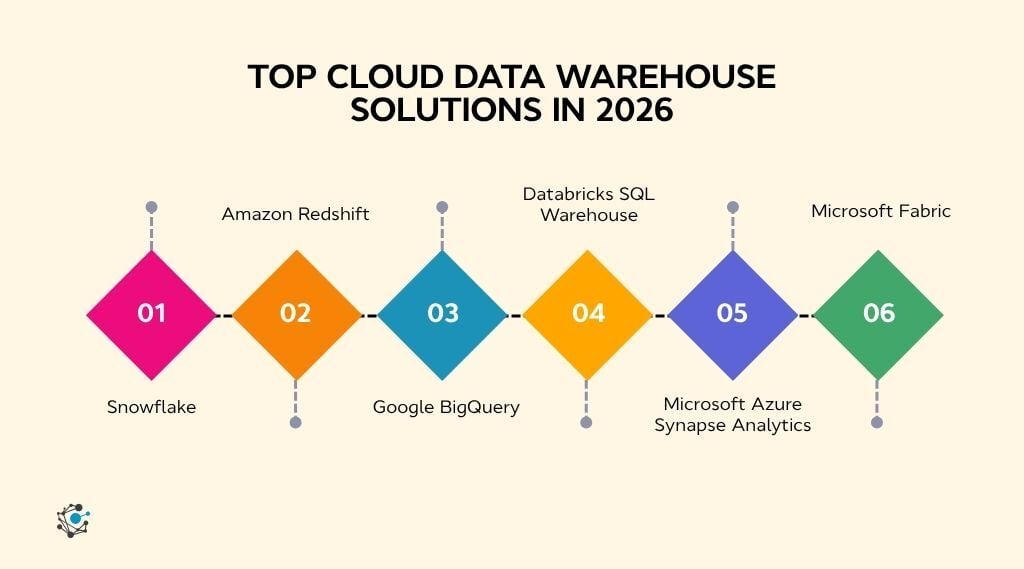
Each cloud data warehouse platform is designed around different assumptions about scale, cost, workload, and cloud ecosystem. Understanding these differences helps you narrow your shortlist before comparing individual features, pricing, and deployment options.
Before exploring each platform in detail, the table below compares the leading cloud data warehouse solutions based on architecture, pricing model, deployment, and ideal use cases.
If your evaluation extends beyond warehouse platforms to the broader analytics ecosystem, our guide to data warehouse tools explores complementary technologies such as data modeling, orchestration, metadata management, and BI platforms that support modern data warehouses.
|
Platform |
Architecture |
Pricing model |
Deployment |
Best for |
|
Snowflake |
Cloud-native data warehouse |
Consumption (credits) |
Multi-cloud |
Multi-cloud analytics and secure data sharing |
|
Google BigQuery |
Serverless cloud data warehouse |
Pay per query or capacity |
Google Cloud |
Serverless analytics and AI workloads |
|
Amazon Redshift |
MPP cloud data warehouse |
RPUs or node-hours |
AWS |
Enterprise analytics on AWS |
|
Databricks SQL Warehouse |
Lakehouse SQL engine |
DBUs |
Multi-cloud |
Unified analytics, data engineering, and AI |
|
Azure Synapse Analytics |
Enterprise analytics platform |
DWUs or serverless SQL |
Azure |
Hybrid analytics and dedicated SQL workloads |
|
Microsoft Fabric |
SaaS analytics platform |
Capacity units (F-SKUs) |
Azure |
Unified analytics with Power BI |
1. Snowflake
Snowflake is a cloud-native data warehouse built for scalable analytics, secure data sharing, and AI-ready workloads. Its architecture separates compute from storage, allowing organizations to scale each independently while supporting multiple cloud providers.
Key features
-
Independent compute and storage: Scale processing and storage separately to optimize performance and cost.
-
Secure Data Sharing: Share live datasets across organizations without copying data.
-
Snowpark: Build data engineering and machine learning workloads using Python, Java, and Scala.
-
Native support for semi-structured data: Query JSON, Avro, Parquet, and XML without complex transformations.
-
Cross-cloud deployment: Run workloads across AWS, Microsoft Azure, and Google Cloud.
Pros
-
Highly scalable architecture
-
Excellent multi-cloud support
-
Strong ecosystem for AI and data sharing
Cons
-
Consumption costs can rise quickly without governance
-
Performance tuning may require workload monitoring
Pricing
Consumption-based pricing for compute, storage, and cloud services.
Best for
Enterprises needing scalable multi-cloud analytics and secure data sharing.
2. Amazon Redshift
Amazon Redshift is AWS's fully managed cloud data warehouse designed for large-scale SQL analytics. It integrates tightly with Amazon S3, AWS analytics services, and machine learning capabilities while supporting petabyte-scale workloads.
Key features
-
Massively Parallel Processing (MPP): Execute complex analytical queries across distributed clusters.
-
Redshift Spectrum: Query Amazon S3 data without loading it into the warehouse.
-
Concurrency Scaling: Automatically add compute resources during workload spikes.
-
Materialized views: Accelerate frequently executed analytical queries.
-
Zero-ETL integrations: Analyze operational data from Amazon Aurora and Amazon RDS with minimal movement.
Pros
-
Deep integration with AWS services
-
Strong performance for enterprise analytics
-
Mature ecosystem for AWS customers
Cons
-
Most benefits are realized within AWS
-
Cluster optimization may require ongoing tuning
Pricing
On-demand or reserved instance pricing with serverless deployment options.
Best for
Organizations running analytics primarily within the AWS ecosystem.
3. Google BigQuery
Google BigQuery is a fully managed serverless cloud data warehouse that enables organizations to analyze massive datasets without provisioning infrastructure. It automatically scales compute resources and integrates closely with Google Cloud's analytics and AI services.
Key features
- Serverless architecture: Run analytics without managing clusters or infrastructure.
- Built-in machine learning: Train and deploy ML models directly using SQL with BigQuery ML.
- BigQuery Omni: Query data across Google Cloud, AWS, and Azure.
- Native streaming ingestion: Analyze real-time data with low-latency ingestion.
- Gemini integration: AI-assisted SQL generation and analytics workflows.
Pros
- No infrastructure management
- Excellent performance for large analytical workloads
- Strong AI and machine learning integration
Cons
- Query costs can increase with inefficient SQL
- Best experience is within the Google Cloud ecosystem
Pricing
Pay-per-query or capacity-based editions with separate storage charges.
Best for
Organizations already using Google Cloud that want serverless, AI-enabled analytics.
4. Databricks SQL Warehouse
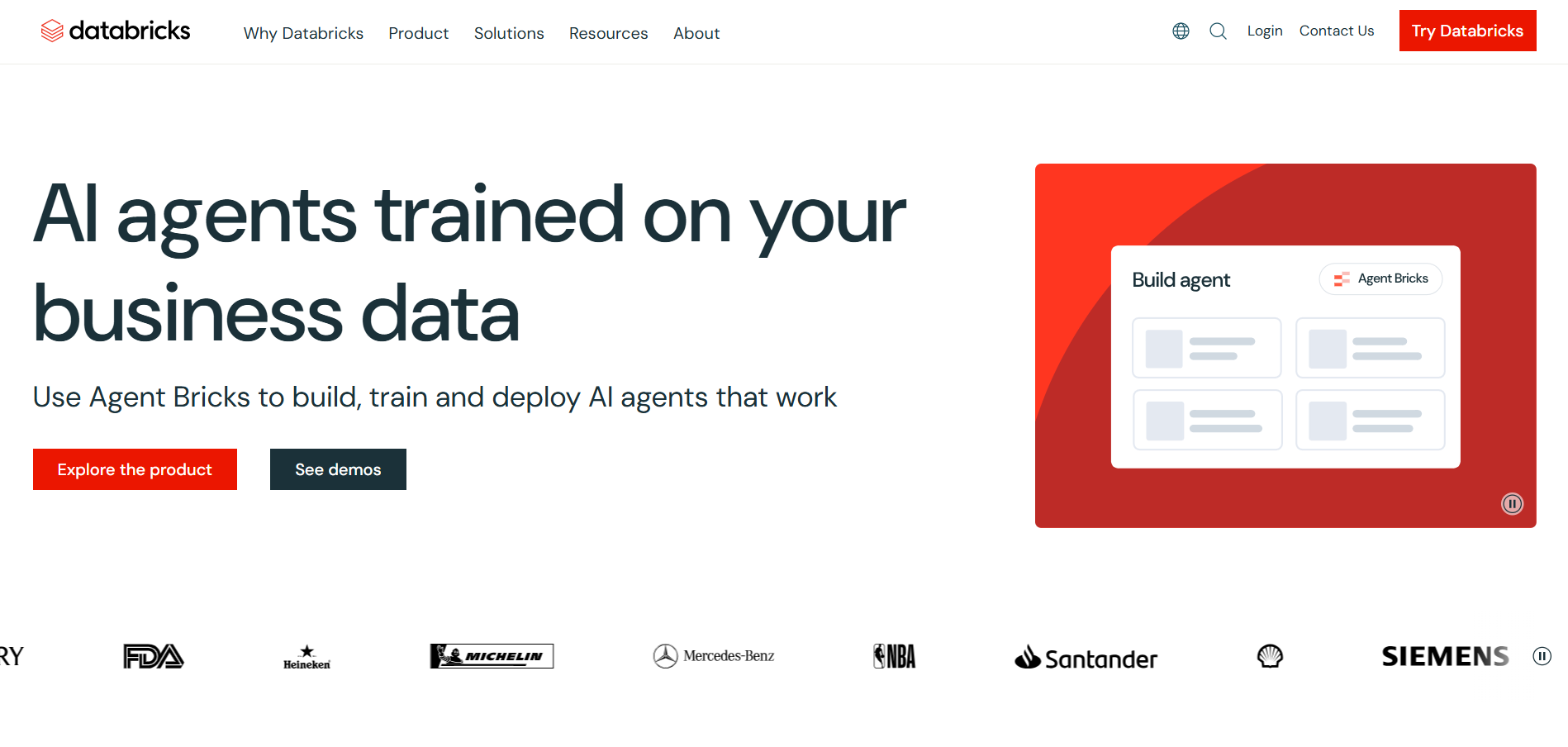
Databricks SQL Warehouse is a cloud-native analytics service built on the Databricks Lakehouse Platform. It combines the flexibility of data lakes with the performance of SQL warehouses, enabling analytics, BI, and AI from a single platform.
Key features
-
Lakehouse architecture: Analyze structured and unstructured data from a unified platform.
-
Photon engine: Accelerates SQL query performance using a vectorized execution engine.
-
Delta Lake: Provides ACID transactions and reliable data management for analytics.
-
Unity Catalog: Centralized governance, security, and access management across data assets.
-
AI and ML integration: Share governed data directly with machine learning and generative AI workloads.
Pros
-
Unified platform for analytics and AI
-
Excellent performance for lakehouse workloads
-
Strong governance through Unity Catalog
Cons
-
Can be complex for traditional BI-only teams
-
Costs depend on workload optimization
Pricing
Consumption-based pricing based on SQL warehouse compute and storage usage.
Best for
Organizations building lakehouse architectures that combine business intelligence, data engineering, and AI.
5. Microsoft Azure Synapse Analytics
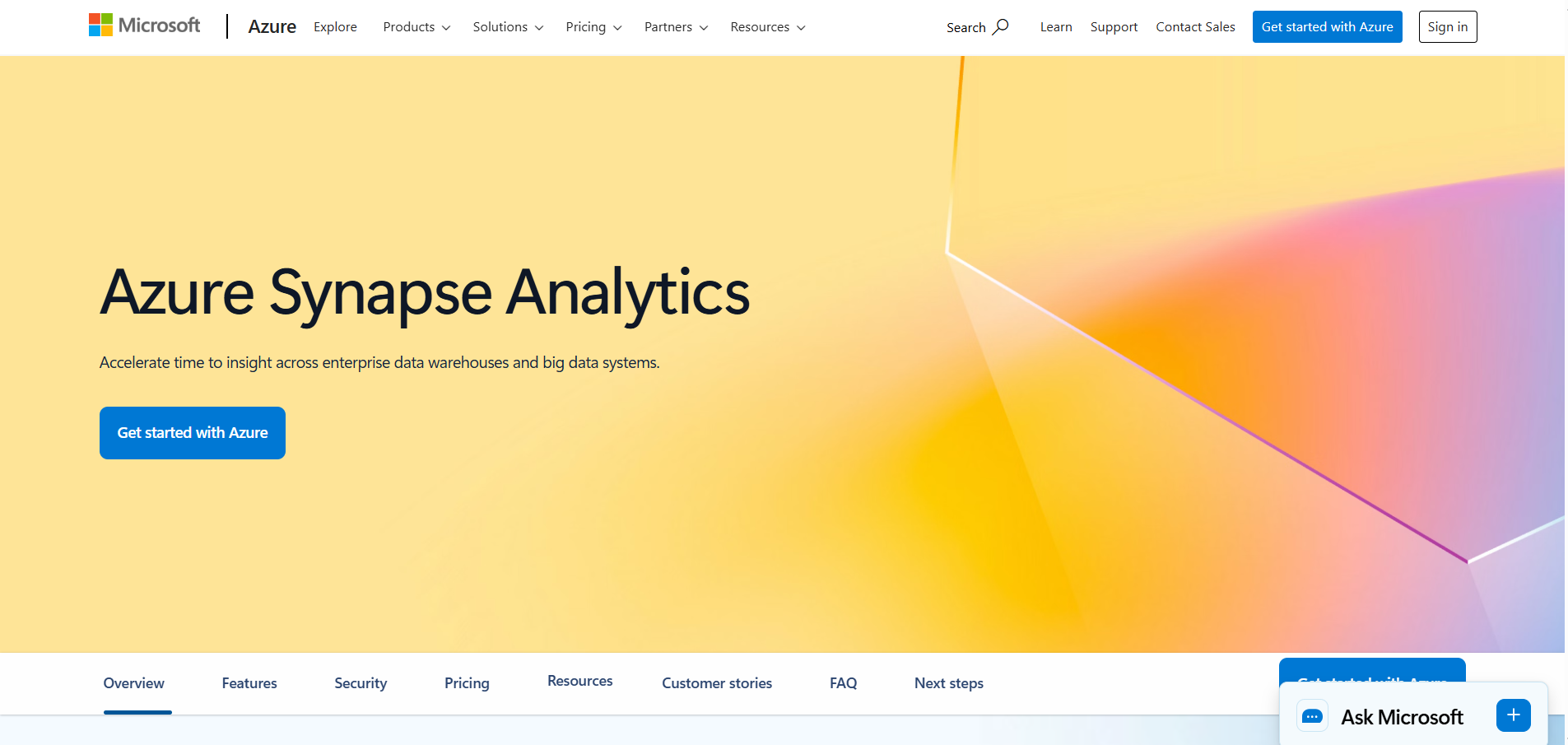
Azure Synapse Analytics is Microsoft's integrated analytics service that combines enterprise data warehousing and big data analytics in a single platform. It enables organizations to query structured warehouse data and large-scale data lakes while integrating closely with the Azure ecosystem.
Microsoft continues to support Synapse Analytics, although Microsoft Fabric has become the company's strategic platform for most new analytics investments. Synapse remains a strong choice for organizations with mature Azure deployments, dedicated SQL pools, or specialized enterprise requirements.
Key features
-
Dedicated SQL pools: High-performance MPP data warehouse for large-scale analytical workloads.
-
Serverless SQL: Query data directly in Azure Data Lake Storage without provisioning infrastructure.
-
Apache Spark integration: Build data engineering and machine learning workflows using managed Spark clusters.
-
Unified analytics workspace: Develop SQL, Spark, pipelines, and notebooks from a single environment.
-
Azure ecosystem integration: Native connectivity with Azure Data Factory, Power BI, Microsoft Purview, and Azure Machine Learning.
Pros
-
Strong integration across Microsoft Azure services
-
Supports both enterprise warehousing and big data analytics
-
Flexible deployment for hybrid and enterprise environments
Cons
-
More infrastructure management than SaaS alternatives
-
Higher operational complexity for smaller teams
Pricing
Consumption-based. Pricing varies based on dedicated SQL pools, serverless SQL queries, Spark usage, and data integration services.
Best for
Large Microsoft Azure environments that require enterprise-scale analytics, dedicated SQL pools, or hybrid deployment flexibility.
6. Microsoft Fabric
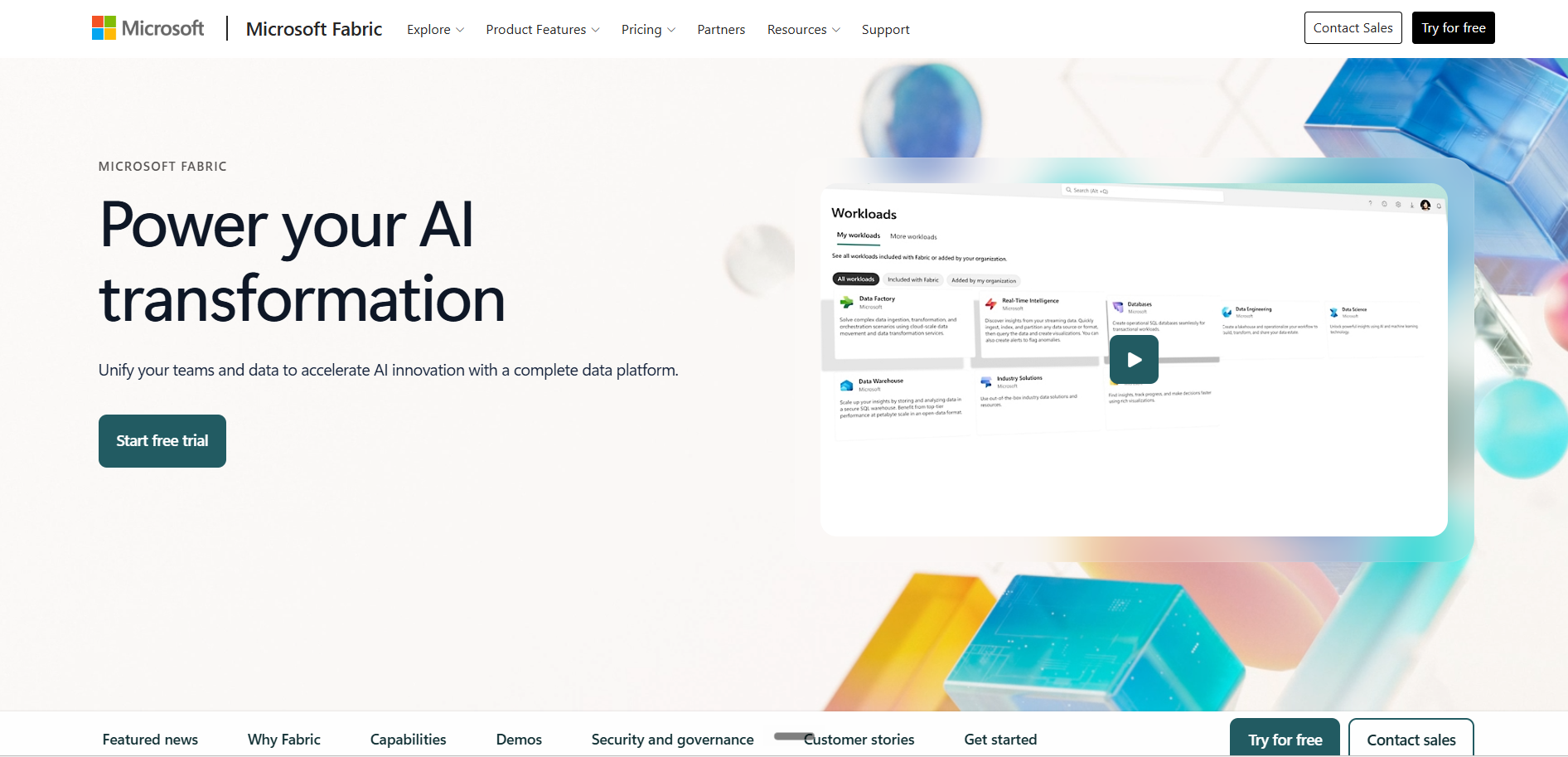
Microsoft Fabric is a SaaS analytics platform that brings together data engineering, data warehousing, real-time intelligence, and Power BI within a unified environment built on OneLake. Unlike Azure Synapse Analytics, Fabric abstracts infrastructure management and delivers analytics through a shared SaaS capacity model.
Fabric is increasingly becoming Microsoft's preferred platform for new analytics initiatives, particularly for organizations already standardized on Microsoft 365 and Power BI.
Key features
-
OneLake: A unified organizational data lake that eliminates unnecessary data duplication across analytics workloads.
-
Direct Lake mode: Enables Power BI to query Delta tables directly from OneLake with minimal latency.
-
Unified SaaS workspace: Combines warehousing, lakehouses, notebooks, pipelines, and real-time analytics in one interface.
-
Data mirroring: Replicates data from external platforms such as Snowflake, Azure SQL, and Azure Cosmos DB into OneLake.
-
Copilot: AI-powered assistance for data engineering, notebook development, dataflows, and report creation.
Pros
-
Minimal infrastructure administration
-
Deep native integration with Power BI
-
Single capacity model across analytics workloads
Cons
-
Shared capacity can affect performance during heavy workloads
-
Less infrastructure-level control than Azure Synapse Analytics
Pricing
Capacity-based using Microsoft Fabric F-SKUs. OneLake storage is billed separately.
Best for
Organizations using Microsoft Azure and Power BI that want a unified, low-maintenance analytics platform.
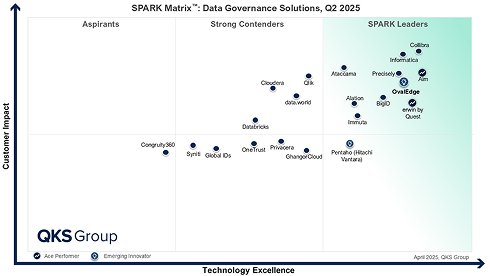
Where OvalEdge fits
Cloud data warehouses excel at storing, processing, and analyzing enterprise data, but they do not provide comprehensive governance across an organization's entire data ecosystem. As enterprises adopt multiple cloud warehouses, SaaS applications, and AI platforms, they often need a governance layer that connects them all.
OvalEdge complements cloud data warehouse solutions by providing trusted metadata, business context, governance, and lineage across the enterprise rather than replacing the warehouse itself.
Key features
-
Enterprise data catalog: Discover and manage data assets across cloud, on-premises, and SaaS platforms.
-
End-to-end data lineage: Trace data movement and transformations across multiple systems.
-
Business glossary: Standardize business definitions and improve data understanding.
-
Data quality monitoring: Continuously monitor and improve trusted data for analytics and AI.
-
Governance and compliance: Manage policies, ownership, certifications, and regulatory requirements from a central platform.
What differentiates OvalEdge
-
Works across multiple cloud data warehouses instead of being limited to a single vendor ecosystem.
-
Combines governance, metadata, lineage, quality, and privacy in one platform, reducing the need for multiple point solutions.
-
Provides business context for AI and analytics through certified data, ownership, glossary terms, and governance policies.
-
Supports hybrid and multi-cloud environments with 170+ connectors across databases, cloud platforms, BI tools, and SaaS applications.
-
Accelerates trusted data discovery by connecting technical metadata with business context, making data easier to find and use.
Organizations that need enterprise-wide data governance, metadata management, and trusted business context across multiple cloud data warehouses and analytics platforms can benefit from a unified governance layer.
Schedule a demo to see how OvalEdge helps connect cloud data warehouses with trusted metadata, lineage, governance, and AI-ready business context across your enterprise.
Feature-by-feature comparison: what to evaluate when choosing a platform
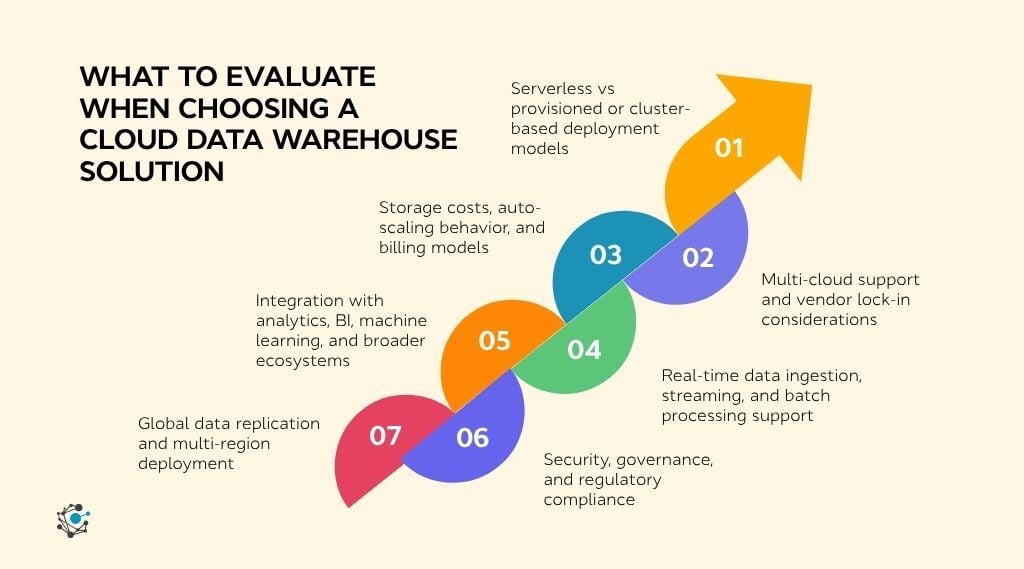
Cloud data warehouse solutions may look similar on the surface, but their differences become clear when you examine how they handle scale, cost, governance, and integration.
A feature-by-feature evaluation helps cut through marketing claims and identify the capabilities that have the greatest impact on performance, cost, and long-term scalability.
Understanding these differences is easier when viewed within the broader enterprise data warehouse architecture that supports modern analytics.
1. Serverless vs provisioned deployment models
Serverless platforms such as Google BigQuery automatically scale compute as queries run, eliminating infrastructure management and making them ideal for variable or unpredictable workloads. Provisioned platforms like Amazon Redshift provide dedicated resources for consistent performance on steady, high-volume workloads.
Some platforms, including Databricks SQL Warehouse and Azure Synapse Analytics, support both models. The right choice depends on your workload patterns, performance requirements, and cost expectations.
2. Multi-cloud support and vendor lock-in considerations
Multi-cloud support enables organizations to run analytics across multiple cloud providers while reducing dependency on a single vendor. Platforms such as Snowflake and Databricks offer consistent capabilities across AWS, Azure, and Google Cloud.
Cloud-native services like Amazon Redshift integrate deeply with their respective ecosystems, simplifying management for organizations committed to one cloud. Consider long-term portability alongside your current cloud strategy.
3. Storage costs, auto-scaling behavior, and billing models
Most cloud data warehouses separate compute and storage costs, but pricing models vary significantly. Compute charges may depend on credits, capacity, queries, or processing time, making cost visibility an important evaluation factor.
Look for platforms that provide budget controls, workload monitoring, and cost optimization features. Effective governance often has a greater impact on spending than the pricing model itself.
4. Real-time data ingestion, streaming, and batch processing support
Modern analytics requires support for both streaming and batch workloads. Platforms such as Google BigQuery and Microsoft Fabric enable near-real-time analytics, while Databricks SQL Warehouse and Amazon Redshift are well suited for large-scale batch processing.
The best platforms support both processing models within a unified environment, reducing architectural complexity while improving operational flexibility.
5. Integration with analytics, BI, machine learning, and broader ecosystems
A cloud data warehouse delivers greater value when it integrates seamlessly with BI, data engineering, and AI tools. Native integrations simplify reporting, data movement, and advanced analytics across the technology stack.
Evaluate compatibility with your existing BI platforms, orchestration tools, machine learning services, and data pipelines to ensure long-term scalability.
6. Security, governance, and regulatory compliance
Leading cloud data warehouses provide encryption, role-based access control, audit logging, and compliance with standards such as GDPR, HIPAA, and SOC 2 to protect enterprise data.
Also evaluate governance capabilities such as metadata management, data lineage, policy enforcement, and data quality. These features improve trust in analytics and support regulatory compliance.
7. Global data replication and multi-region deployment
Organizations operating across regions need platforms that support data replication, failover, and multi-region deployments to improve availability and meet data residency requirements.
Assess how each platform manages replication, disaster recovery, and cross-region access. Strong global capabilities help maintain business continuity while simplifying operations.
Conclusion
Choosing the right cloud data warehouse solution is about more than comparing features. It requires evaluating how well a platform aligns with your cloud strategy, workload patterns, scalability requirements, governance needs, and long-term AI initiatives.
The right choice should not only deliver fast, reliable analytics today but also adapt as your data ecosystem grows and becomes more complex.
As organizations expand across multiple cloud environments, maintaining trusted metadata, business context, lineage, and governance becomes essential for consistent analytics and responsible AI.
Schedule a demo to see how OvalEdge helps unify governance across cloud data warehouses, enabling trusted data discovery, regulatory compliance, and AI-ready business context across your enterprise.
.png?width=1081&height=173&name=Forrester%201%20(1).png)
.png?width=1081&height=241&name=KC%20-%20Logo%201%20(1).png)