A data team launches a polished executive dashboard, publishes a curated dataset, and opens an API for downstream teams. A few weeks later, the same question starts surfacing in meetings: Is anyone actually using this the way we expected? Many organizations reach this point after investing significant time in building analytics assets, but still lack clear visibility into how those assets are actually consumed.
The demand for analytics continues to grow rapidly.
According to a 2024 BARC–Eckerson survey, 92% of data and analytics professionals report that usage of BI and analytics output has increased over the past five years, highlighting the rising reliance on dashboards, reports, and data-driven insights across organizations.
At the same time, many teams still struggle to understand which data products drive value, where adoption gaps exist, and how users interact with analytics assets.
This is where a data product analytics platform becomes valuable. It helps organizations track how users interact with dashboards, datasets, APIs, and analytics services, transforming usage signals into actionable insights that improve adoption and product design.
In this guide, we’ll explore what a data product analytics platform is, the key capabilities these platforms offer, leading platforms in the market, and how organizations can choose the right solution for their data ecosystem.
What is a data product analytics platform?
A data product analytics platform is a system that tracks and analyzes how users interact with data products such as dashboards, datasets, APIs, and analytics applications. These platforms often work alongside a data catalog platform to help organizations discover, organize, and understand analytics assets across their data ecosystem.
By collecting usage data and engagement signals, these platforms allow teams to measure adoption, identify usage patterns, and improve analytics experiences. The goal is to help organizations treat data assets like products by continuously monitoring performance, user behavior, and workflow efficiency.
How data product analytics platforms work
Most implementations begin with event instrumentation. Events are captured when users interact with analytics assets such as opening dashboards, running queries, calling APIs, or sharing reports. These events create a record of how people interact with analytics products across the organization.
The platform then ingests and processes these events to generate insights through dashboards, reports, and behavioral analytics. This allows teams to identify which dashboards are used frequently, which datasets support important workflows, and where users encounter friction while interacting with analytics tools.
|
Related resource: To understand how organizations manage and scale data products beyond analytics, explore Ovaledge’s guide, Data Product Management Platform: Features & Use Cases |
Key capabilities of a data product analytics platform
A strong platform should help teams move from observation to improvement. Instead of simply tracking activity, these systems provide the insights needed to optimize analytics products and user workflows.
Typical capabilities include:
-
Event tracking for user interactions and product behavior
-
Behavioral analytics to analyze usage patterns
-
Funnel analysis for understanding analytics workflows
-
Cohort analysis to segment users based on behavior
-
Real-time dashboards for monitoring engagement
-
Integration with warehouses, BI tools, and analytics infrastructure
Difference between product analytics tools and data product analytics platforms
Traditional product analytics tools focus on how users interact with software products such as websites or mobile applications. In contrast, data product analytics platforms measure how users engage with analytics assets like dashboards, datasets, and data services.
|
Product analytics tools |
Data product analytics platforms |
|
Focus on user interactions with software products |
Measure usage and value of data-driven products |
|
Track feature engagement within applications |
Track datasets, dashboards, and APIs |
|
Analyze product workflows, such as onboarding or feature adoption |
Analyze analytics workflows, such as dataset discovery or dashboard usage |
|
Typically used by product and growth teams |
Used by product, data, and analytics teams |
Core features to look for in a data product analytics platform
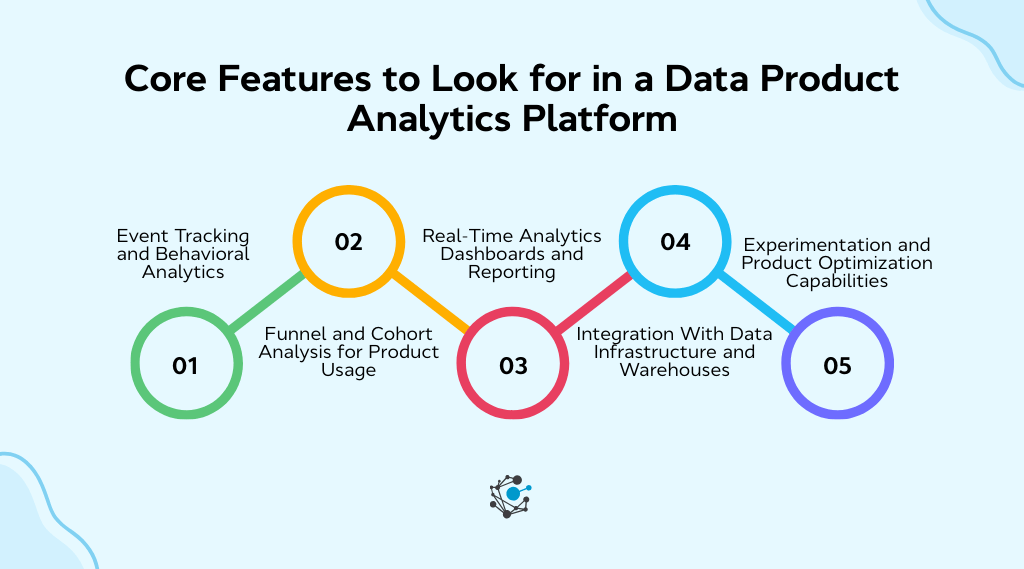
Choosing the right platform comes down to whether it gives you enough visibility to improve adoption, trust, and usability. Buyers should focus less on flashy architecture diagrams and more on the features that help them measure behavior and prioritize changes.
Event tracking and behavioral analytics
Event tracking captures interactions with data products, including dashboard access, dataset queries, feature clicks inside an analytics tool, and API requests. Behavioral analytics then helps teams spot patterns, such as which reports get opened every Monday, which datasets support repeated workflows, and which features are ignored after launch.
|
Do you know: OvalEdge’s data discovery helps teams understand which datasets and dashboards are being used and by whom, which aligns with behavioral analytics. |
Funnel and cohort analysis for product usage
Funnels help teams map a workflow from dataset discovery to dashboard creation to insight sharing. Cohorts then reveal how different groups behave over time, such as analysts versus business users, or highly active teams versus occasional consumers. This type of analysis is useful when adoption looks healthy at the top level but drops sharply for specific roles or teams.
Real-time analytics dashboards and reporting
Real-time dashboards give teams a clear view of how data products are being used across the organization. They track metrics such as dashboard access, dataset queries, and product adoption trends, helping teams quickly spot changes in usage or engagement.
1. Data asset usage analytics
Data asset usage analytics tracks how dashboards, datasets, and APIs are used across teams. This helps organizations identify high-value assets, monitor engagement patterns, and detect unused or redundant datasets that may need improvement or consolidation.
2. Data lineage impact analysis
Data lineage impact analysis helps teams understand how datasets, pipelines, and dashboards are connected across the analytics environment. By mapping these relationships, organizations can quickly identify which dashboards or reports depend on specific datasets and how changes to one asset may affect others.
With lineage and impact analysis, teams can trace upstream data sources and downstream dependencies before making updates. This reduces the risk of breaking analytics workflows and helps teams troubleshoot issues more efficiently.
|
Pro tip: Platforms like OvalEdge provide detailed impact analysis capabilities that allow users to track how changes to tables, columns, or pipelines affect related data assets across the system. |
Integration with data infrastructure and warehouses
The platform has to reflect activity across the actual data ecosystem. That usually means integrations with cloud warehouses, BI tools, telemetry systems, and event frameworks. Without those integrations, teams end up with partial visibility and weak conclusions.
Experimentation and product optimization capabilities
Some organizations use analytics insights to test improvements in dashboards, documentation, or API design. By analyzing engagement patterns and workflow behavior, teams can identify opportunities to refine dashboard layouts, improve dataset documentation, simplify onboarding experiences, or adjust API usability.
The goal is to translate behavioral insights into practical changes that make data products easier to use and more valuable for the teams that rely on them.
Leading data product analytics platforms
Several platforms help organizations analyze how data products are used, monitored, and maintained across the analytics ecosystem. Unlike traditional product analytics tools that track user behavior in applications, these platforms focus on the health, discoverability, and usage of data assets such as datasets, dashboards, and pipelines.
Most of these platforms were not originally built specifically for data product analytics. Instead, they provide partial capabilities that contribute to understanding data product adoption, reliability, and governance through features like lineage tracking, usage monitoring, data observability, and cataloging.
Together, these capabilities help teams gain visibility into how data assets are used, maintained, and trusted across the organization, allowing analytics assets to be managed more effectively as products.
1. OvalEdge
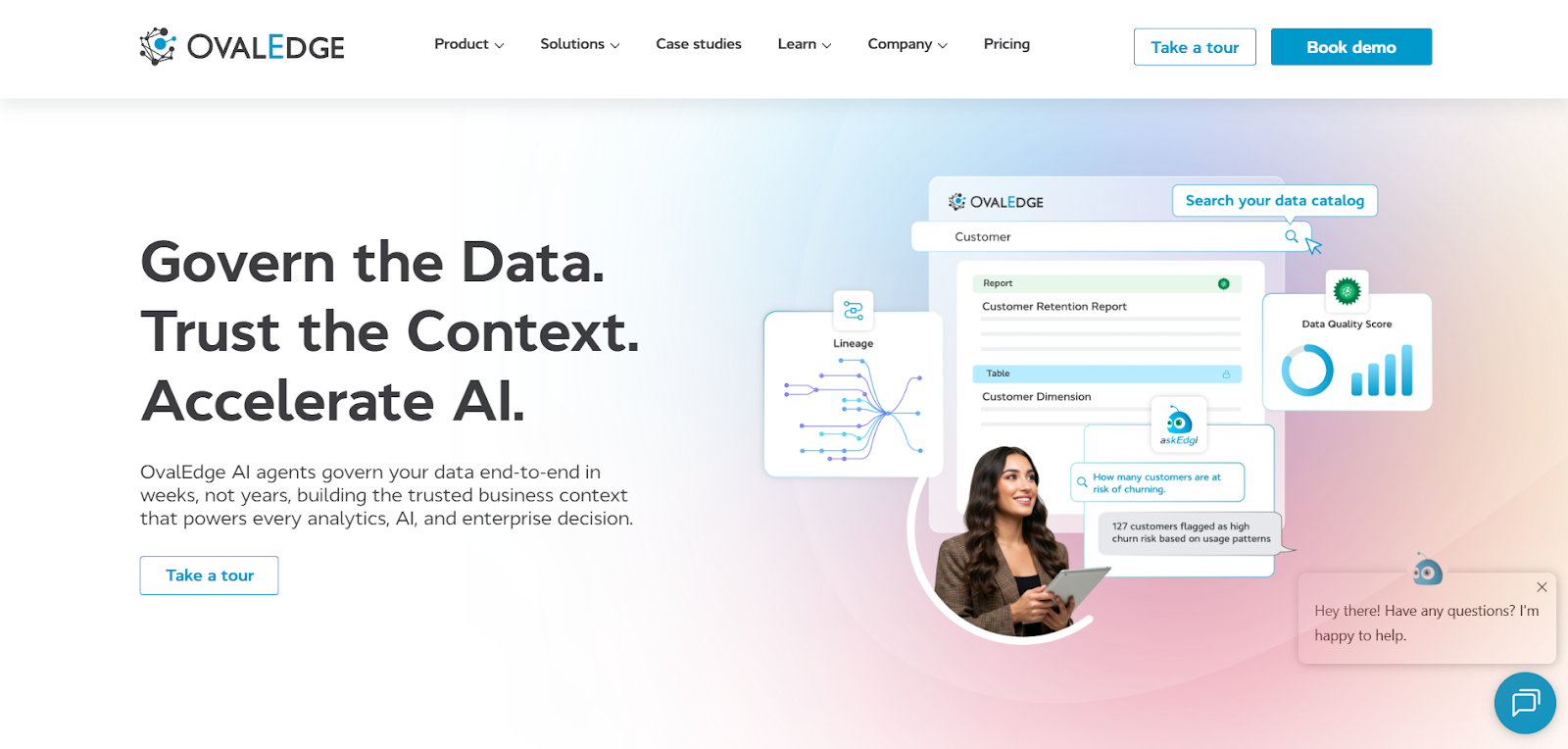
OvalEdge is a data governance and data catalog platform designed to help organizations manage, discover, and monitor data assets across their analytics ecosystem. It provides visibility into how datasets, dashboards, and data pipelines are used across teams.
Core function and positioning: The platform focuses on data governance, cataloging, and data discovery while also offering insights into how analytics assets are accessed and used. These capabilities help organizations understand the adoption and impact of data products across their data environment.
Best features
-
Data discovery and cataloging: Enables teams to search and locate datasets, dashboards, and analytics assets across the data ecosystem
-
Data lineage tracking: Visualizes relationships between datasets, pipelines, and dashboards
-
Usage analytics: Provides insights into which datasets and dashboards are accessed and by whom
-
Data governance tools: Supports policy enforcement, data stewardship, and compliance workflows
-
Business glossary: Maintains shared definitions and context for data assets
Pros
-
Strong governance capabilities: Helps organizations maintain consistent data policies and standards
-
Comprehensive data catalog: Improves discoverability of analytics assets
-
Usage visibility: Allows teams to see which data assets are actively used across the organization
Cons
-
Configuration effort: Governance workflows and metadata management require setup and maintenance
-
Learning curve: Teams may need training to fully adopt governance and catalog features
Best fit: OvalEdge works well for organizations that want to improve data governance, cataloging, and visibility into analytics asset usage across the data ecosystem.
2. Monte Carlo
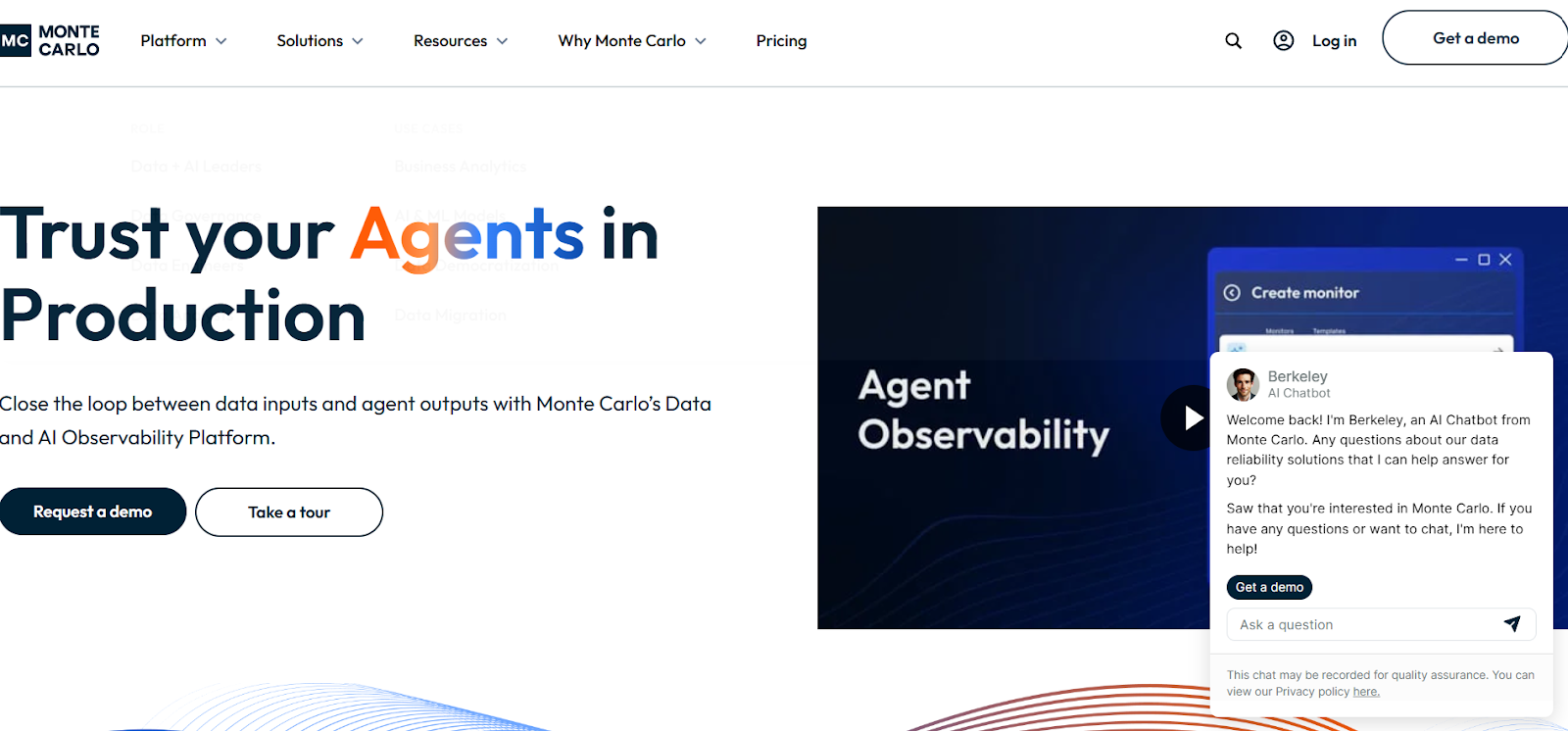
Monte Carlo is a data observability platform designed to monitor the reliability and health of data products across modern data stacks. It helps teams detect issues in datasets, pipelines, and dashboards before they affect downstream analytics.
Core function and positioning: The platform focuses on data observability, enabling organizations to monitor data quality, track lineage, and identify root causes of analytics issues. It acts as a reliability layer for data products in complex analytics environments.
Best features
-
Automated data monitoring: Detects anomalies in datasets and pipelines automatically
-
End-to-end lineage tracking: Maps relationships between datasets, transformations, and dashboards
-
Root cause analysis: Helps teams quickly identify the source of data issues
-
Data reliability metrics: Tracks freshness, volume, schema, and distribution changes
-
Pipeline observability: Monitors data flow across analytics pipelines
Pros
-
Strong anomaly detection: Helps identify data issues early and prevent downstream failures
-
Comprehensive lineage visibility: Provides clear insights into relationships between datasets, pipelines, and dashboards
-
Built for complex environments: Supports organizations with large-scale data pipelines and analytics infrastructure
Cons
-
Integration complexity: Setup may require connecting multiple data systems
-
Learning curve: Advanced monitoring features may take time for teams to fully adopt
Best fit: Monte Carlo works best for large organizations with complex data pipelines that require strong monitoring and reliability for analytics products.
3. Atlan
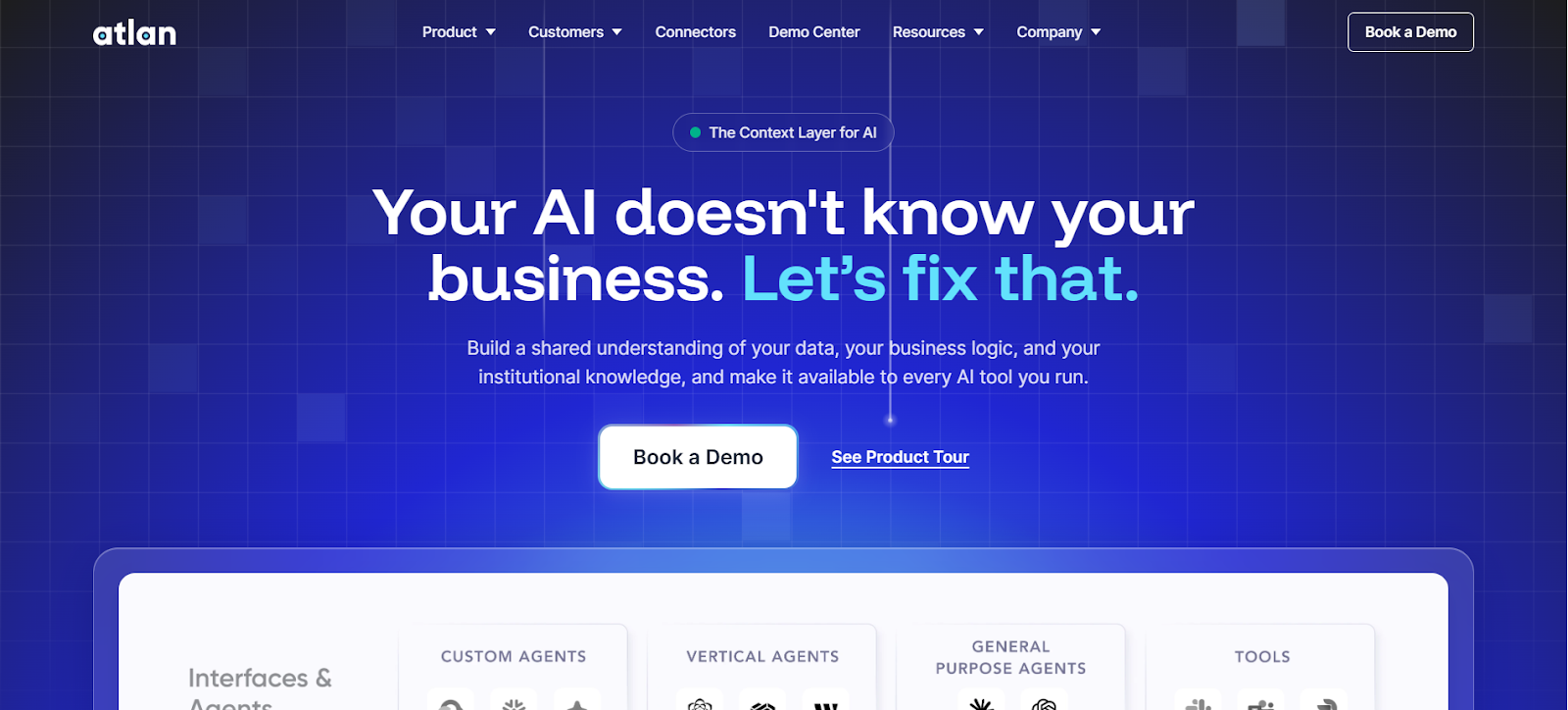
Atlan is a modern data catalog platform that helps teams discover, understand, and collaborate around data assets. It provides a central environment where datasets, dashboards, and metadata can be explored and documented.
Core function and positioning: The platform focuses on data discovery, governance, and collaboration. It acts as a shared data workspace that connects analytics teams, product teams, and business users around trusted data products.
Best features
-
Data catalog and discovery: Enables teams to quickly locate trusted datasets and analytics assets
-
Data lineage visualization: Shows how datasets, pipelines, and dashboards are connected
-
Collaboration tools: Allow teams to document datasets, share context, and discuss data assets
-
Metadata management: Tracks dataset ownership, definitions, and usage context
-
Governance workflows: Supports access control, policy enforcement, and approval processes
Pros
-
Strong collaboration capabilities: Helps teams share knowledge and document analytics assets
-
Clear metadata and lineage visibility: Provides transparency into how data moves across systems
-
User-friendly interface: Accessible for both technical teams and business users
Cons
-
Requires ongoing governance: Metadata and documentation must be maintained regularly
-
Configuration effort: Some advanced governance workflows require setup
Best fit: Atlan is well-suited for organizations that want to improve data discovery, collaboration, and governance across analytics teams.
4. Select Star
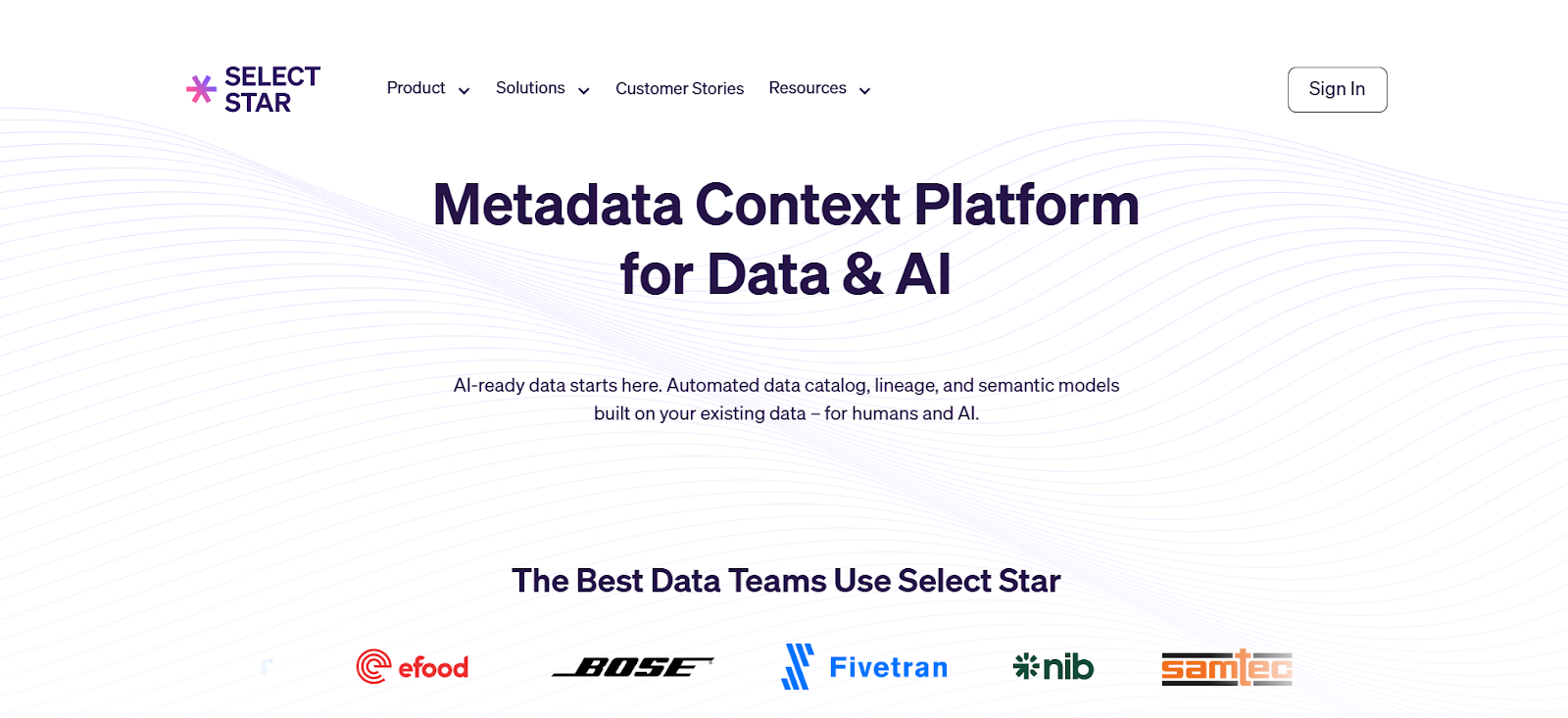
Select Star is a data discovery platform designed to help teams find, understand, and trust data assets across their analytics environment. It emphasizes automated cataloging and deep lineage insights.
Core function and positioning: The platform focuses on improving data discovery and trust through detailed lineage analysis and automated metadata organization.
Best features
-
Automated data cataloging: Automatically detects and organizes datasets across the data stack
-
Column-level lineage: Shows detailed dependencies between datasets and dashboards
-
Cross-platform visibility: Connects assets across warehouses and BI tools
-
Usage insights: Highlights frequently accessed datasets and analytics assets
-
Trust indicators: Helps teams identify reliable datasets for decision-making
Pros
-
Detailed lineage capabilities: Provides deep visibility into dataset dependencies
-
Strong discovery features: Helps users quickly locate relevant analytics assets
-
Automated catalog creation: Reduces manual effort for organizing metadata
Cons
-
Onboarding time required: Teams may need training to fully utilize lineage insights
-
Limited operational monitoring: Focuses more on discovery than data pipeline reliability
Best fit: Select Star works well for teams that need strong data discovery and lineage visibility across analytics workflows.
5. Coalesce Catalog
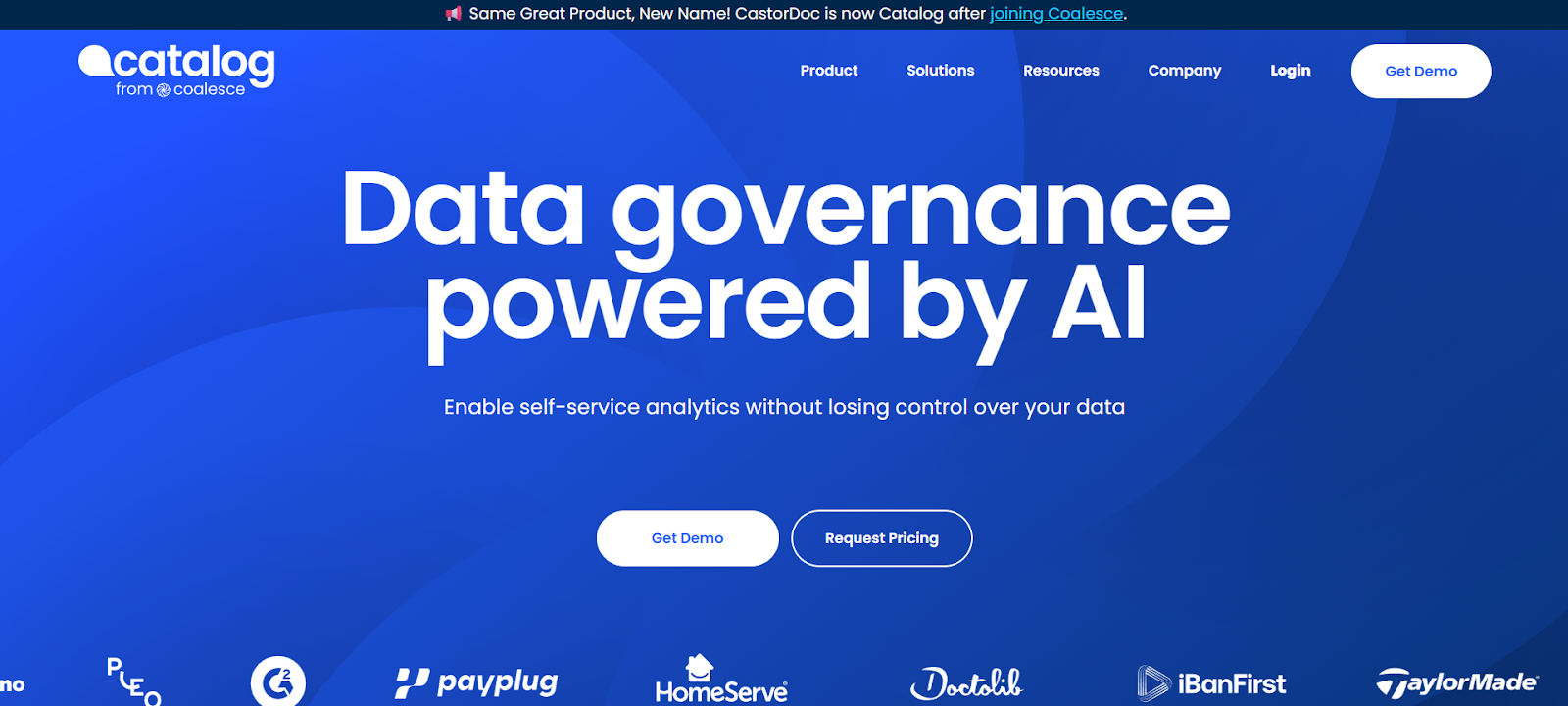
Coalesce Catalog is a data catalog and documentation platform that helps organizations organize and understand their data assets. It combines metadata management with knowledge-sharing tools to improve data accessibility.
Core function and positioning: The platform focuses on improving data understanding through documentation, governance, and discoverability across analytics environments.
Best features
-
Data documentation tools: Enable teams to describe datasets and maintain clear metadata
-
Business glossary management: Maintains shared definitions for analytics terms
-
Asset discovery: Helps users easily locate dashboards, datasets, and analytics assets
-
Usage monitoring: Tracks engagement and usage patterns for analytics products
-
Collaboration workflows: Allows teams to share context and discuss data assets
Pros
-
Strong documentation capabilities: Improves understanding of datasets and analytics assets
-
Supports governance and trust: Helps maintain consistent definitions and metadata
-
Useful for knowledge management: Encourages collaboration across data teams
Cons
-
Requires continuous documentation: Value depends on keeping metadata updated
-
Limited observability features: Less focus on monitoring pipeline reliability
Best fit: CastorDoc is best suited for organizations that want to strengthen data documentation, governance, and discoverability across analytics products.
6. Metaplane
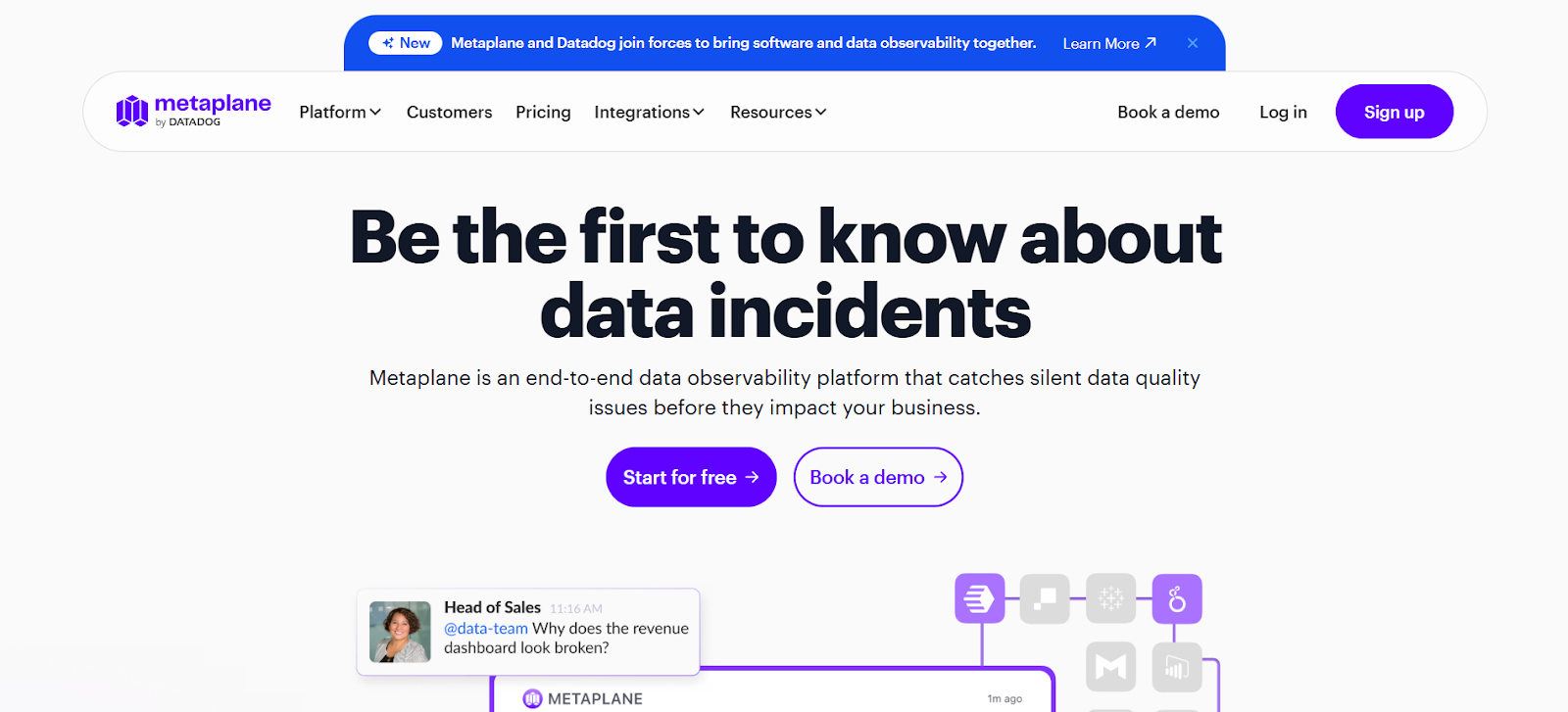
Metaplane is a data observability platform designed to monitor data quality and detect anomalies across pipelines. It helps teams maintain reliable analytics systems by identifying data issues early.
Core function and positioning: The platform focuses on automated anomaly detection and monitoring across the data stack, helping teams maintain consistent and trustworthy analytics outputs.
Best features
-
Automated anomaly detection: Uses statistical models to detect unusual data patterns
-
Pipeline monitoring: Tracks transformations and data movement across pipelines
-
Data quality monitoring: Detects schema changes, missing data, and data inconsistencies
-
Lineage visualization: Shows dependencies between datasets and downstream analytics assets
-
Alerting system: Sends notifications when potential data issues are detected
Pros
-
Strong anomaly detection capabilities: Quickly identifies data quality problems
-
Improves analytics reliability: Helps prevent data issues from affecting dashboards and reports
-
Simple pipeline monitoring: Provides clear visibility into data transformations
Cons
-
Focused mainly on observability: Limited catalog or discovery features
-
Integration requirements: Needs a connection with the data infrastructure for full functionality
Best fit: Metaplane is ideal for organizations that want to monitor data quality and maintain reliable analytics pipelines and reporting systems.
How to choose the right data product analytics platform
Choosing a data analytics product platform should begin with clearly defined goals rather than vendor comparisons. Different organizations prioritize different outcomes. Some focus on understanding product adoption, while others care more about monitoring data reliability, governance, or usage visibility across analytics assets.
A structured evaluation helps teams identify the platform that best supports their analytics environment, workflows, and long-term data strategy.
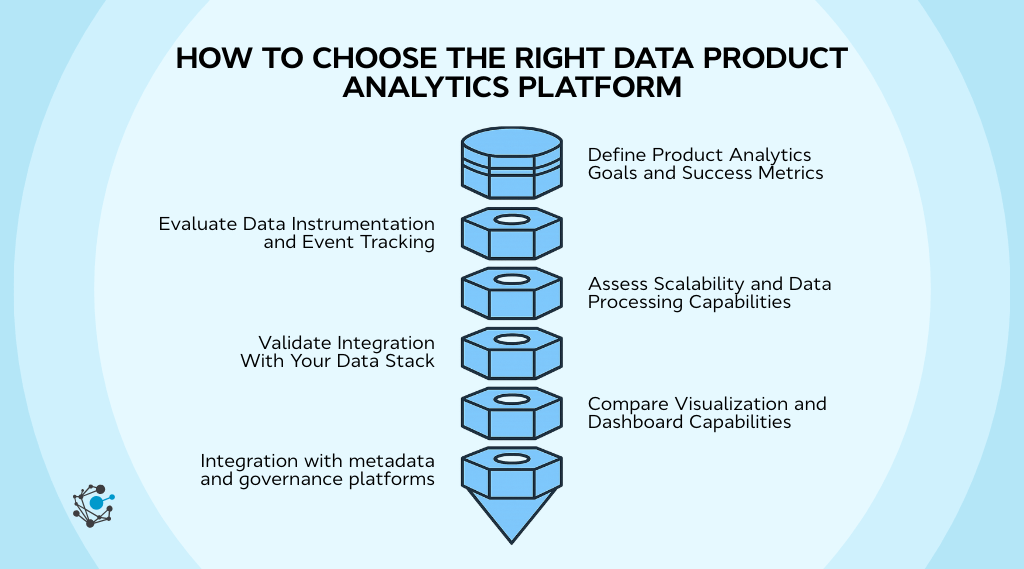
1. Define product analytics goals and success metrics
Before evaluating platforms, teams should define what success actually looks like. Without clear metrics, it becomes difficult to compare platforms or determine whether analytics investments are delivering value.
Common success indicators include:
-
Active users of dashboards and analytics tools
-
Dashboard engagement and usage frequency
-
Dataset reuse across teams
-
Workflow completion rates for analytics processes
-
API calls and data service consumption
Once these metrics are defined, it becomes easier to evaluate whether a platform supports the type of insights needed to track them.
2. Evaluate data instrumentation and event tracking
Instrumentation forms the foundation of a data product analytics platform. Every insight the platform produces depends on how accurately user interactions are captured.
Organizations should assess how easily the platform tracks events across dashboards, datasets, and APIs. Flexible event tracking makes it easier to capture meaningful user interactions without adding heavy implementation overhead.
Key questions to consider include:
-
How easily can analytics events be implemented?
-
Can the platform track interactions across multiple tools?
-
Does the system ensure accurate and reliable event data?
Platforms that simplify instrumentation typically reduce implementation time and improve data accuracy.
3. Assess scalability and data processing capabilities
As analytics adoption grows, the platform must be able to process increasing volumes of usage data. Platforms that perform well during initial testing may struggle when event volumes increase or when more teams begin using analytics products.
Scalability becomes especially important for organizations that:
-
Support multiple business units
-
Manage large numbers of dashboards and datasets
-
Process high query volumes in their data environment
A scalable platform ensures that analytics insights remain fast, reliable, and accessible even as usage expands.
4. Validate integration with your data stack
A data product analytics platform must connect seamlessly with the broader data ecosystem. If integrations are limited, the platform may only capture a partial view of analytics usage.
When evaluating integration capabilities, organizations should confirm compatibility with systems such as:
-
Cloud data warehouses
-
Business intelligence tools
-
Application telemetry systems
-
Event tracking frameworks
-
Identity and access management platforms
Strong integration support allows the platform to capture activity across the full analytics workflow.
5. Compare visualization and dashboard capabilities
Analytics insights only create value when teams can easily interpret them. Visualization capabilities determine how effectively stakeholders can understand and act on usage data.
|
For example, product managers may want to track adoption trends across teams, while data engineers may need visibility into dataset usage patterns. Clear dashboards make it possible for both groups to work from the same analytics insights. |
Important features to evaluate include customizable dashboards, flexible reporting options, and role-based access controls that allow different stakeholders to view relevant analytics metrics.
6. Integration with metadata and governance platforms
One of the most overlooked evaluation criteria is how well a platform connects usage analytics with metadata and governance systems.
When analytics activity is combined with metadata context such as ownership, lineage, and dataset definitions, teams gain deeper insight into how data products are used across the organization. This connection helps teams understand not only which assets are used but also whether those assets are properly governed and documented.
Integrating governance systems with analytics insights also improves trust in data products by ensuring that usage signals are linked to well-managed and reliable datasets.
|
For organizations building governance frameworks alongside analytics capabilities, the OvalEdge whitepaper “Implementing Data Governance Faster” provides a practical five-step framework for implementing governance programs and improving collaboration around data assets. |
Conclusion
Data products create real value only when people can easily find them, trust them, and use them consistently. A data product analytics platform helps organizations measure adoption, understand user behavior, and improve dashboards, datasets, APIs, and analytics services using real usage insights instead of assumptions.
The next step is to evaluate how well your organization currently understands the usage of its data products. Identifying which assets drive decisions, where adoption gaps exist, and how analytics workflows can improve is key to building more effective data products.
Solutions like OvalEdge help organizations combine data cataloging, governance, lineage, and usage insights in one platform, making it easier to manage and optimize data products across the enterprise.

Tools like askEdgi, OvalEdge’s AI-powered data assistant, further simplify how users interact with data by allowing teams to ask questions and discover trusted data assets quickly.

Book a demo with OvalEdge to see how your team can gain better visibility into data products and improve analytics adoption across your organization.
FAQs
1. What is a data product analytics platform?
A data product analytics platform tracks and analyzes how users interact with data products such as dashboards, datasets, and APIs. It helps teams understand adoption, usage patterns, and workflows, enabling them to improve usability, reliability, and overall data product performance.
2. How is product analytics different from data product analytics?
Product analytics focuses on user interactions within software applications, such as clicks and feature usage. Data product analytics focuses on how users engage with data assets like dashboards, datasets, and APIs, helping teams optimize analytics workflows and data product adoption.
3. What metrics should data product analytics platforms track?
Key metrics include active users, feature engagement, dashboard access frequency, dataset queries, workflow completion rates, and adoption trends. These metrics help teams identify high-value assets, detect underused data products, and improve overall analytics efficiency and user experience.
4. Who uses data product analytics platforms?
Data product analytics platforms are used by product managers, data engineers, analytics engineers, and business intelligence teams. These roles rely on usage insights to improve data products, prioritize enhancements, ensure data quality, and support better decision-making across the organization.
5. Can small teams benefit from data product analytics platforms?
Yes. Small teams can gain visibility into how dashboards, datasets, and analytics tools are used. This helps them prioritize improvements, eliminate redundant data assets, and optimize workflows, making their analytics processes more efficient even with limited resources.
6. How long does it take to implement a data product analytics platform?
Implementation timelines depend on data infrastructure and instrumentation complexity. Many teams start capturing meaningful insights within a few weeks once event tracking is configured, though full optimization and integration across systems may take longer depending on scale.
.png?width=1081&height=173&name=Forrester%201%20(1).png)
.png?width=1081&height=241&name=KC%20-%20Logo%201%20(1).png)