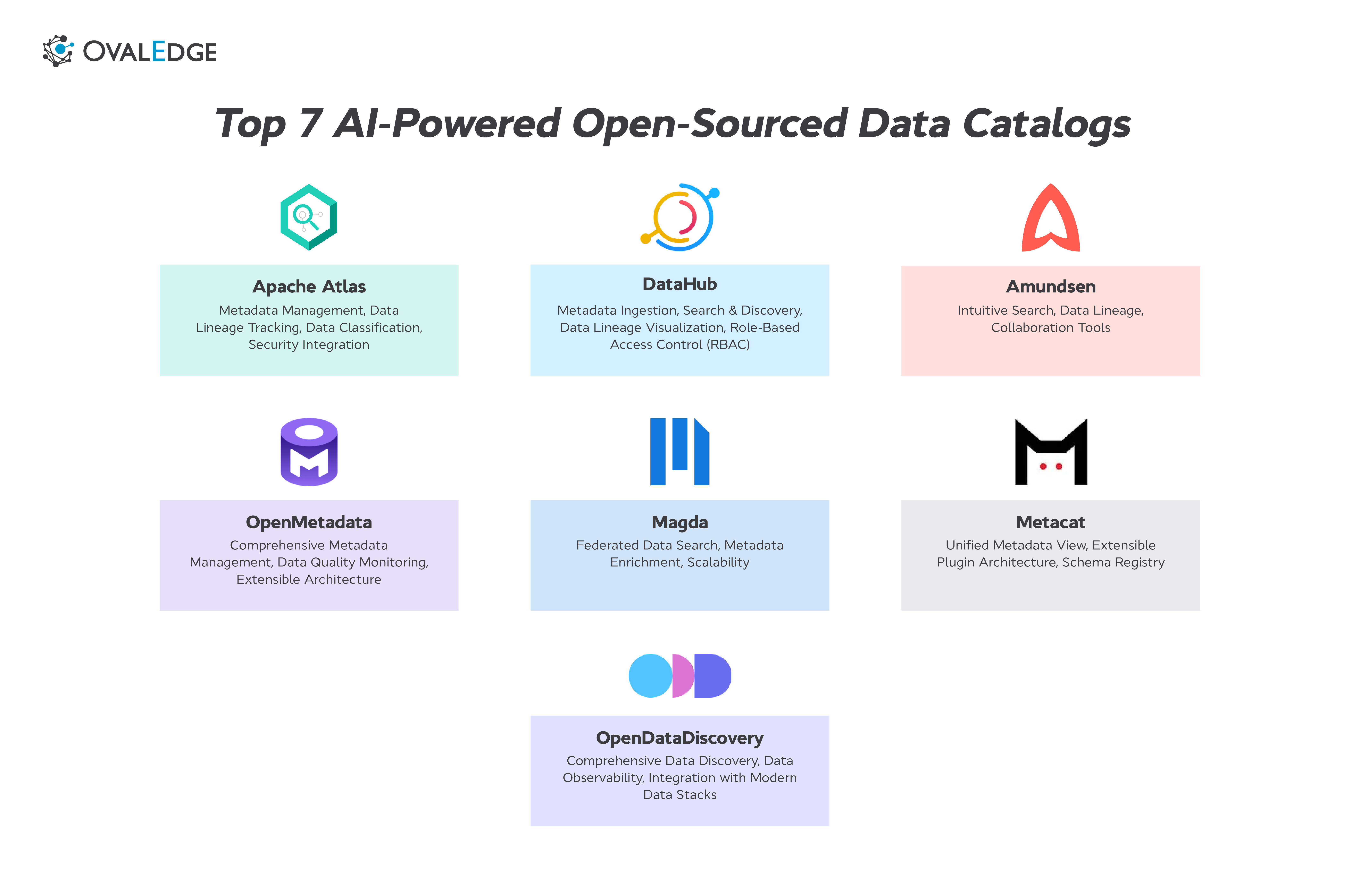
Every open source data catalog on the market today promises the same thing: broad connectors, lineage tracking, governance, and an active community. Read enough feature pages, and they start to blur together. That similarity is the problem. It hides the differences that actually decide whether a tool works for your team or stalls after a pilot.
The real gaps between open source data catalog tools show up in places feature lists do not cover: how heavy the infrastructure is, how quickly the community resolves issues, how much engineering time you are committing to after deployment, and where governance runs out. These are not things you discover by reading docs. You discover them six months in, when the catalog is load-bearing.
This guide compares the seven most relevant open source data catalogs for 2026 with real GitHub data, deployment requirements, honest limitations, and a framework for deciding when open source fits and when it does not.
What is an open source data catalog?
An open source data catalog is a self-hosted metadata management platform, released under a permissive license like Apache 2.0 or MIT, that helps teams discover, document, and govern data assets across their environment. It collects metadata from databases, warehouses, BI tools, pipelines, and other systems, then organizes it into a searchable inventory with lineage, ownership, and classification information layered on top.
Teams choose open source catalogs for five main reasons: cost control (no per-seat licensing), full customization (you own the codebase), no vendor lock-in (you can fork or migrate), self-hosting for compliance (data stays in your environment), and fast iteration through community-driven development.
The trade-off is operational ownership. Every open source catalog on this list requires your team to handle deployment, infrastructure, upgrades, connector maintenance, and production support. There is no vendor SLA, no managed service behind it, and no support queue when something breaks during an upgrade. The knowledge to resolve issues lives in GitHub threads and community Slack channels, not a dedicated support team.
That trade-off shapes every comparison in this guide.
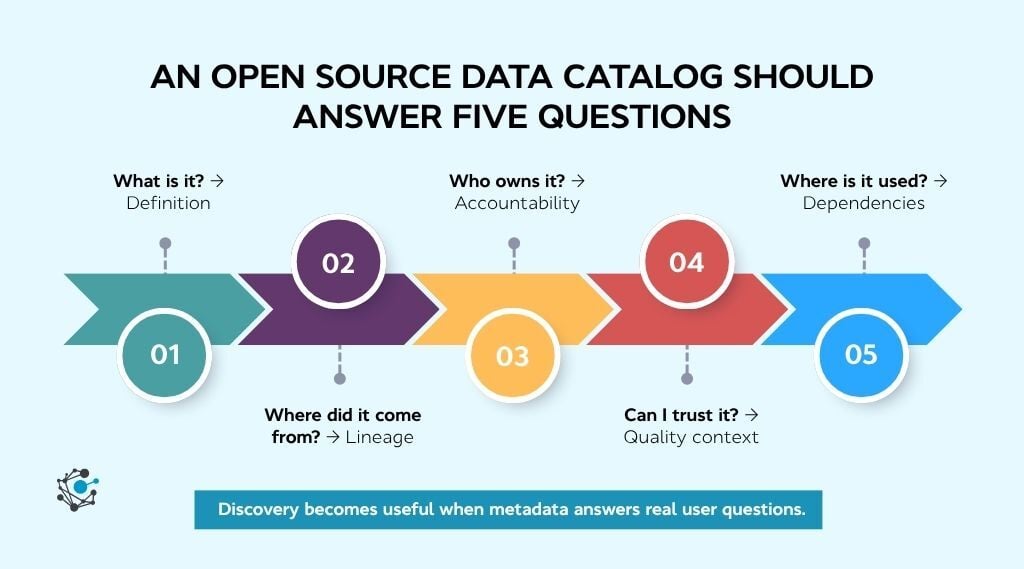
Top 7 open source data catalog tools for 2026
The open source data catalog landscape has consolidated around a handful of serious projects. Below is an honest look at each tool: what it does well, where it falls short, and what kind of team it actually fits.
1. DataHub
Originally built as WhereHows at LinkedIn, DataHub is a metadata graph platform that connects datasets, dashboards, pipelines, and ML models into a single searchable layer. It is the largest open source data catalog project by community size and contributor count.
Key features
-
Modular metadata ingestion: Supports both push (Kafka event streaming) and pull (scheduled crawl) ingestion models, giving teams flexibility across hybrid architectures.
-
Column-level lineage: Traces transformations at the individual column level with a visual impact analysis navigator redesigned in v1.4.0.
-
AI agent integration: The MCP Server and AI Context Kit (v1.4.0) allow AI agents to query catalog metadata directly without human intervention.
-
Governance and access control: Offers domain-level RBAC, data contracts, glossary management, and organizational taxonomy tagging.
-
Broad connector ecosystem: Integrates with Snowflake, BigQuery, dbt, Airflow, Databricks, Redshift, Kafka, and dozens of other sources out of the box.
Pros
-
Column-level lineage is production-grade and well ahead.
-
AI agent integration through MCP makes it one of the few catalogs building for the agentic data stack.
Cons
-
Heavy infrastructure footprint: production deployments require Kafka, Elasticsearch, a schema registry, and Kubernetes, which means three to six months of setup and at least two dedicated engineers.
Best for: Large data teams with platform engineering capacity who need modular architecture, deep lineage, and federated governance at scale.
2. OpenMetadata
OpenMetadata ships discovery, governance, lineage, quality, and collaboration as a single unified platform rather than a modular assembly. It runs a leaner stack than DataHub and has the broadest connector coverage among open source catalogs.
Key features
-
Unified platform architecture: Ships discovery, governance, lineage, quality profiling, and collaboration as a single integrated platform rather than a modular assembly.
-
120+ pre-built connectors: Broadest connector coverage among open source catalogs, spanning databases, warehouses, BI tools, orchestration platforms, and pipelines.
-
Built-in data contracts: Supports machine-readable schemas with SLA enforcement and quality guarantees that can be validated automatically (introduced in v1.8).
-
Data quality profiling: Includes native data profiling and quality test capabilities, so teams do not need a separate tool for basic quality monitoring.
-
Simplified infrastructure: Runs on MySQL or PostgreSQL plus Elasticsearch with no Kafka dependency, making it significantly lighter to deploy than DataHub or Atlas.
Pros
-
Easiest full-featured open source catalog to deploy, with a working instance possible in a single afternoon for evaluation.
-
Weekly patch releases build confidence in the community and signal active maintenance.
Cons
-
Enterprise RBAC is still maturing, with open feature requests for granular per-property permissions and federated role management, and stability under high concurrency remains a reported concern.
Best for: Mid-size teams on modern cloud-native stacks who want broad feature coverage without managing a heavy infrastructure footprint.
3. Apache Atlas
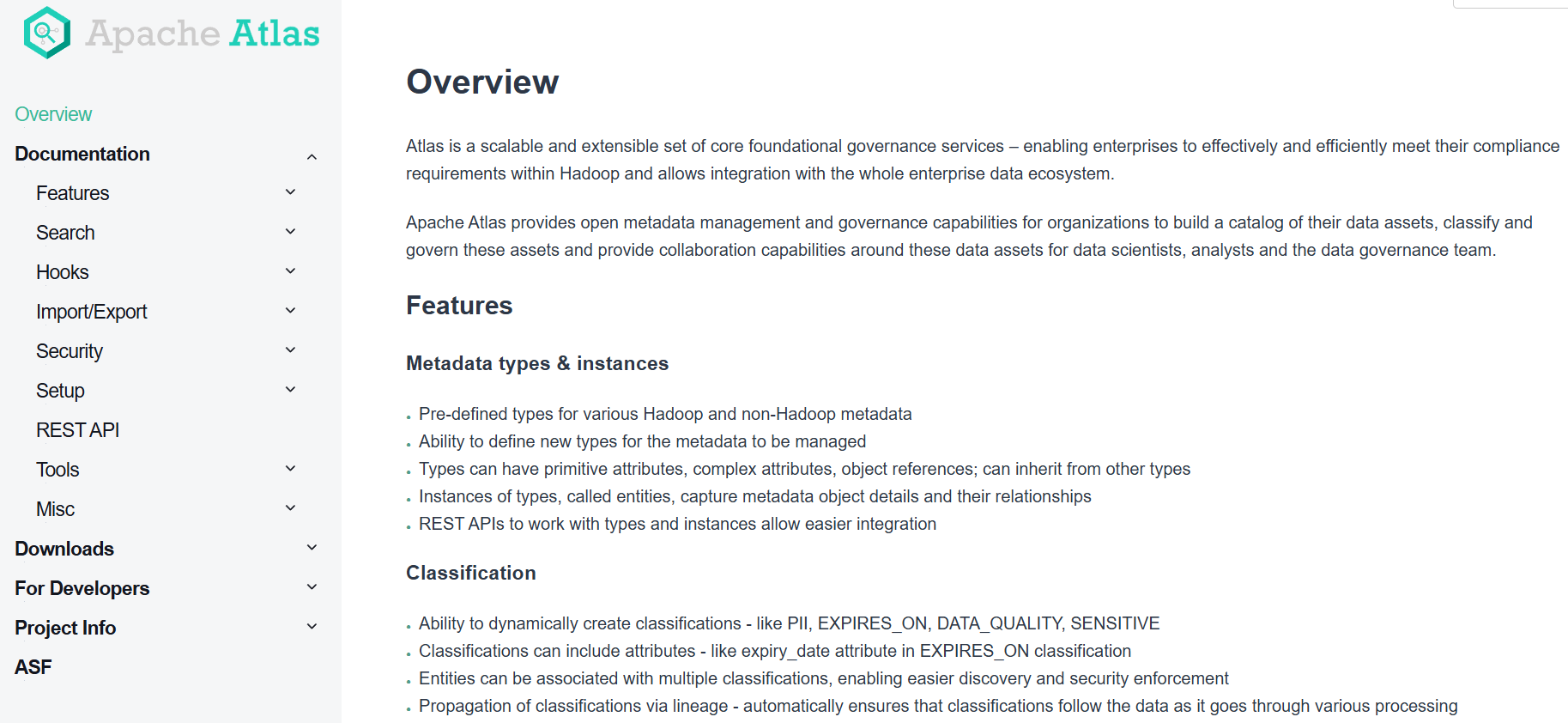
Apache Atlas was originally developed by Hortonworks for the Hadoop ecosystem. It provides deep metadata governance with classification, taxonomy, and tag propagation capabilities that remain unmatched for Hadoop-heavy environments.
Key features
-
Classification and tag propagation: Supports hierarchical classifications that automatically propagate through lineage paths, so governance tags flow downstream without manual intervention.
-
Fine-grained access control: Integrates natively with Apache Ranger for policy-based access control, data masking, and audit logging across Hadoop services.
-
Graph-based metadata store: Uses JanusGraph to model entity relationships, enabling complex lineage traversal and impact analysis across interconnected data assets.
-
Hadoop-native integrations: Pre-built hooks for Hive, HBase, Kafka, Sqoop, and Storm give Atlas deep, out-of-the-box coverage for Hadoop stack components.
Pros
-
Governance depth for Hadoop environments is still the strongest among open source catalogs.
-
Mature project with over a decade of production use across large enterprises.
Cons
-
Architecture is tightly coupled to the Hadoop ecosystem, and adapting it to modern cloud-native stacks (Snowflake, BigQuery, Databricks) requires significant custom extension work.
Best for: Organizations with established Hadoop infrastructure that need strong metadata governance, classification, and Ranger-based access control.
4. CKAN
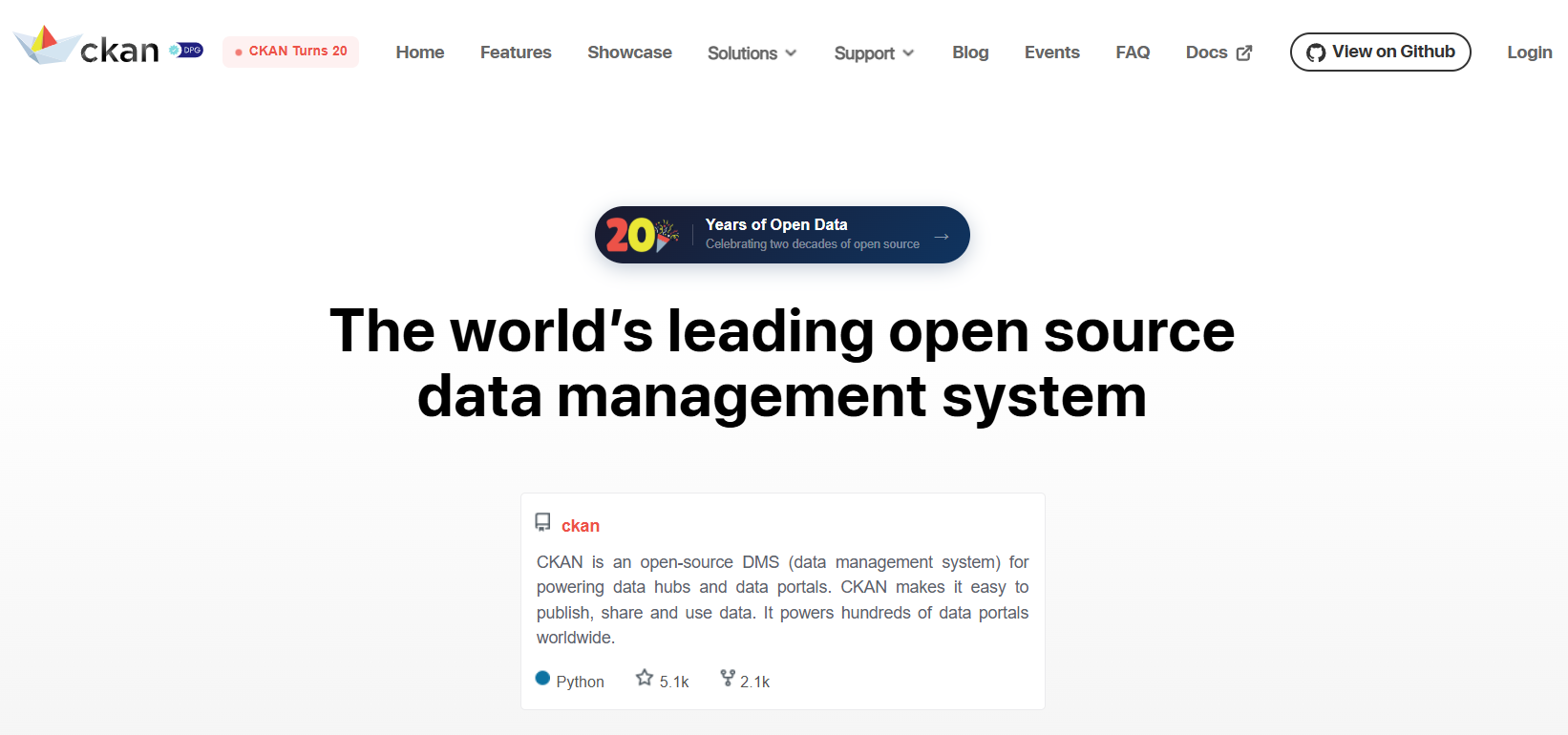
Originally created by the Open Knowledge Foundation, CKAN powers data.gov (US), open.canada.ca, data.humdata.org, and government data portals across 50+ countries. Unlike metadata-focused enterprise catalogs, CKAN is built for dataset publishing, discoverability, and public access.
Key features
-
Dataset publishing and access management: Provides a full publishing workflow for creating, documenting, and sharing datasets with configurable access controls and approval processes.
-
Faceted full-text search: Uses Apache Solr to power search across dataset titles, tags, descriptions, organizations, and custom metadata fields with filtering and sorting.
-
Rich extension ecosystem: Over 250 community-built extensions cover everything from data validation and spatial search to harvesting metadata from external portals and embedding data previews.
-
RESTful API: A complete Action API supports reading and writing catalog content programmatically, enabling integration with external systems, CI/CD pipelines, and automated data publishing workflows.
Pros
-
Most battle-tested open source catalog available, with 20 years of production use across governments, NGOs, and research institutions worldwide.
-
Active global maintainer community with regular releases and long-term support commitments.
Cons
-
Built for dataset publishing and open data portals, not for enterprise metadata governance, lineage tracking, or AI-ready context delivery.
Best for: Organizations that need to publish, share, and manage access to datasets through a public or internal data portal.
5. OpenDataDiscovery (ODD)
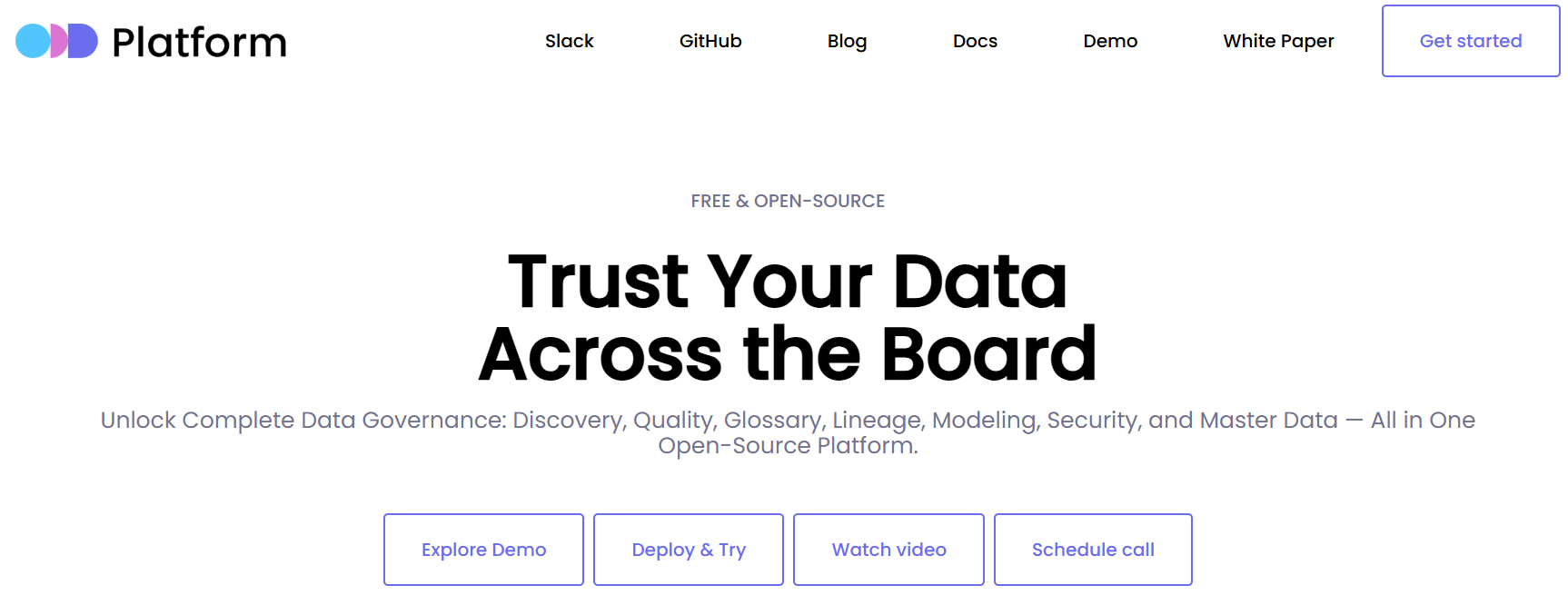
OpenDataDiscovery was designed with ML and data science workflows as a first-class concern rather than an afterthought. It uses a federated architecture with lightweight collector agents that push metadata to the platform via REST API, avoiding the need for a centralized ingestion orchestrator.
Key features
-
ML-first metadata model: Treats ML entities (models, experiments, feature stores) as first-class objects alongside tables and dashboards rather than bolting them on after the fact.
-
Federated collector architecture: Uses lightweight agents deployed per data source that push metadata via REST API, avoiding the need for a centralized ingestion orchestrator.
-
Data observability dashboards: Built-in monitoring for metadata health and quality signals, so teams can spot schema drift, freshness issues, and pipeline anomalies from inside the catalog.
-
Modern stack connectors: Integrates with Snowflake, BigQuery, dbt, SageMaker, KubeFlow, and Apache Airflow, with availability on AWS Marketplace for faster provisioning.
Pros
-
Only open source catalog that treats ML metadata as a primary use case rather than an extension.
-
Federated collector model scales cleanly without a heavy central orchestration layer.
Cons
-
Multi-month gaps between releases and limited activity on GitHub issues, which raises long-term sustainability questions.
Best for: Data science and ML engineering teams that need metadata discovery and observability across model training pipelines and feature stores.
6. Marquez
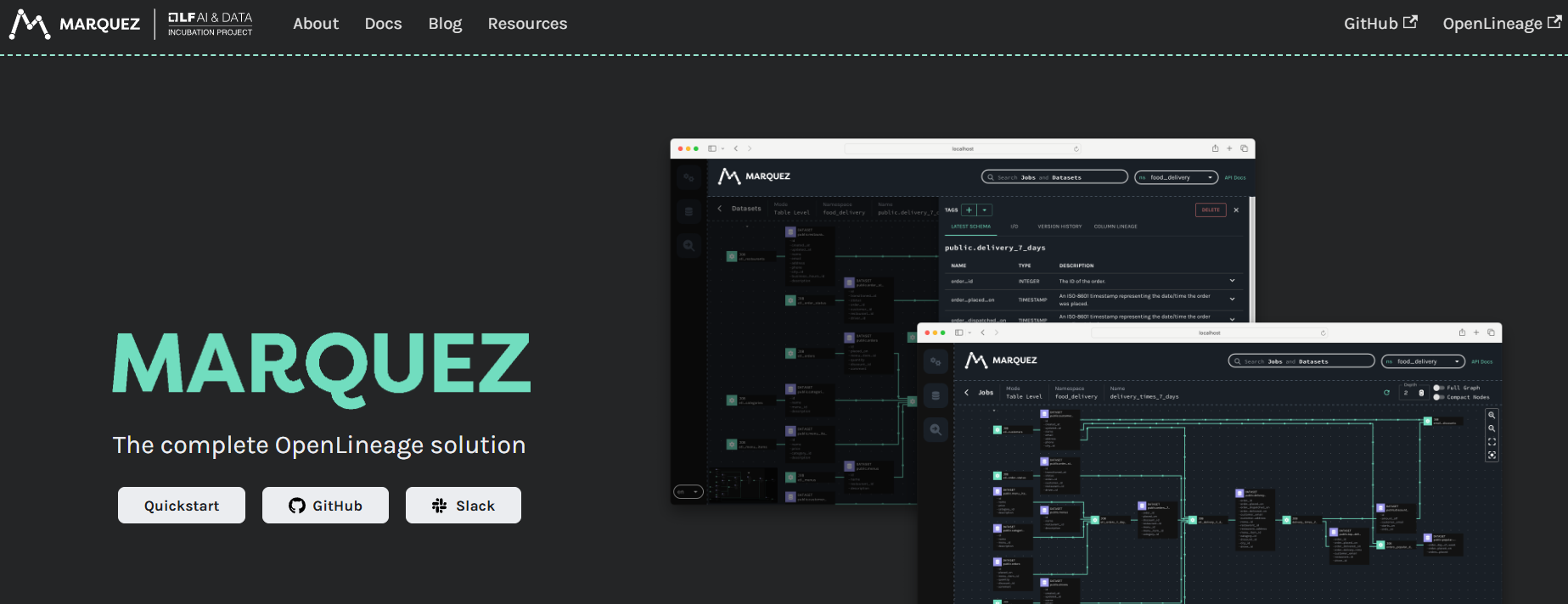
Created by WeWork and now a graduated project under the LF AI and Data Foundation, Marquez is not a full data catalog. It is a lineage server built as the reference implementation of OpenLineage, the open standard for collecting data lineage metadata. Teams that need lineage and provenance tracking without the overhead of a full catalog platform start here.
Key features
-
OpenLineage-native lineage collection: As the reference implementation of the OpenLineage standard, Marquez works out of the box with Airflow, Spark, Flink, dbt, and Dagster.
-
Job-to-dataset dependency tracking: Traces how jobs produce and consume datasets, showing the full execution lineage of a pipeline run including timing, status, and dependencies.
-
Minimal infrastructure footprint: Runs on just PostgreSQL, a Java API server, and a React UI, making it the leanest stack of any tool on this list.
-
Data observability (beta): The v0.50.0 release introduced a data observability dashboard and a GraphQL endpoint for programmatic access to lineage and job health data.
Pros
-
Fastest path to production-grade lineage tracking for teams already using Airflow, Spark, or dbt.
-
Leanest infrastructure requirements of any tool on this list: one database, one API server.
Cons
-
Not a catalog. So teams with broader metadata needs will need to pair it with a second tool.
Best for: Data engineering teams that need real-time pipeline lineage and job dependency tracking without committing to a full catalog platform.
7. Magda
Magda is a federated data catalog designed to aggregate metadata across multiple independent data sources into a single searchable interface. Its primary strength is handling geospatial and public dataset registries at scale, a niche that the other tools on this list do not address directly.
Key features
-
Federated multi-source search: Connects to external data registries, APIs, and portals, then indexes their metadata into one unified search layer across multiple agencies or organizations.
-
Automated metadata enrichment: Applies NLP-based processing to enhance raw metadata with spatial coverage detection, format identification, and keyword extraction from descriptions.
-
Geospatial-native support: Handles spatial metadata natively, including bounding boxes, coordinate reference systems, and map-based dataset browsing.
-
Modular microservices architecture: Each component (search, indexing, registry, auth) runs as an independent microservice, so teams can replace or extend individual pieces without rebuilding the platform.
Pros
-
Only open source catalog on this list with native geospatial metadata handling and map-based dataset browsing.
-
Modular microservices design allows teams to extend or replace individual components independently.
Cons
-
Geospatial and public sector focus limits general applicability for enterprise data teams
Best for: Government agencies, research institutions, and public sector organizations managing federated geospatial or open data registries across multiple departments or agencies.
Open source data catalog comparison table
Feature lists across open source data catalogs look similar at a glance. The differences that actually shape your experience show up in infrastructure weight, governance depth, and community health. The table below puts all seven tools side by side on the capabilities that matter most when you are deciding what to deploy.
For teams also evaluating commercial and enterprise options alongside open source, our broader data catalog tools roundup covers that landscape separately.
|
Tool |
Best for |
Connectors |
Lineage |
Data quality |
Governance / RBAC |
Infra complexity |
|
DataHub |
Large teams, federated governance |
50+ |
Column-level |
Evolving |
Domain RBAC, data contracts |
High (Kafka, ES, K8s) |
|
OpenMetadata |
Cloud-native stacks, all-in-one |
120+ |
Column-level |
Built-in profiling |
Basic RBAC, contracts |
Medium (MySQL + ES) |
|
Apache Atlas |
Hadoop environments |
Hadoop-native |
Table-level |
None |
Tag-based, Ranger integration |
High (JanusGraph, Solr, Kafka) |
|
CKAN |
Open data portals, dataset publishing |
250+ extensions |
None |
Validation via extensions |
Publishing workflows, access control |
Medium (PostgreSQL + Solr) |
|
ODD |
ML and data science workflows |
Moderate |
Pipeline-level |
Observability |
Basic |
Low (PostgreSQL) |
|
Marquez |
Lineage-first teams |
OpenLineage integrations |
Column-level |
None (observability beta) |
None |
Very low (PostgreSQL only) |
|
Magda |
Government, geospatial |
Federated registries |
None |
None |
Registry-level auth |
Medium (microservices) |
Teams comparing open source catalogs against enterprise alternatives can see how OvalEdge's data catalog handles the governance, connector, and AI readiness gaps that the table above surfaces.
Key challenges with open source data catalogs
The seven tools above cover metadata discovery and lineage well. Where they consistently fall short is in automated governance, security controls, and integration breadth. These gaps do not show up during a proof of concept. They show up six months in, when the catalog is load-bearing infrastructure.
1. Governance and security gaps
Most open source catalogs offer basic RBAC, but that is where governance depth ends. ABAC, automated PII classification, data masking, and policy enforcement at scale are either absent or reserved for commercial editions. For regulated industries, these are not optional. They are the reason a data governance policy exists.
OvalEdge addresses this with enterprise-grade security built in, alongside 150+ pre-built connectors that cover the integration breadth open source tools lack.
2. Integration and maintenance overhead
Connector lists look impressive in docs but require real engineering in practice. Edge cases, version mismatches, and schema drift create ongoing maintenance. Upgrades are the other hidden cost, with community-reported issues including stuck reindexing jobs, performance regressions, and lineage backends hanging under load. For teams building data quality discipline alongside cataloging, these interruptions compound fast.
3. The real cost of "free"
Year-one costs for running an open source catalog in production typically land between $150,000 and $300,000 once you factor in engineering time, cloud infrastructure, and opportunity cost. Run that calculation with your actual numbers. If it surprises you, that is the conversation worth having with data governance solutions that include managed infrastructure.
How to choose the right open source data catalog
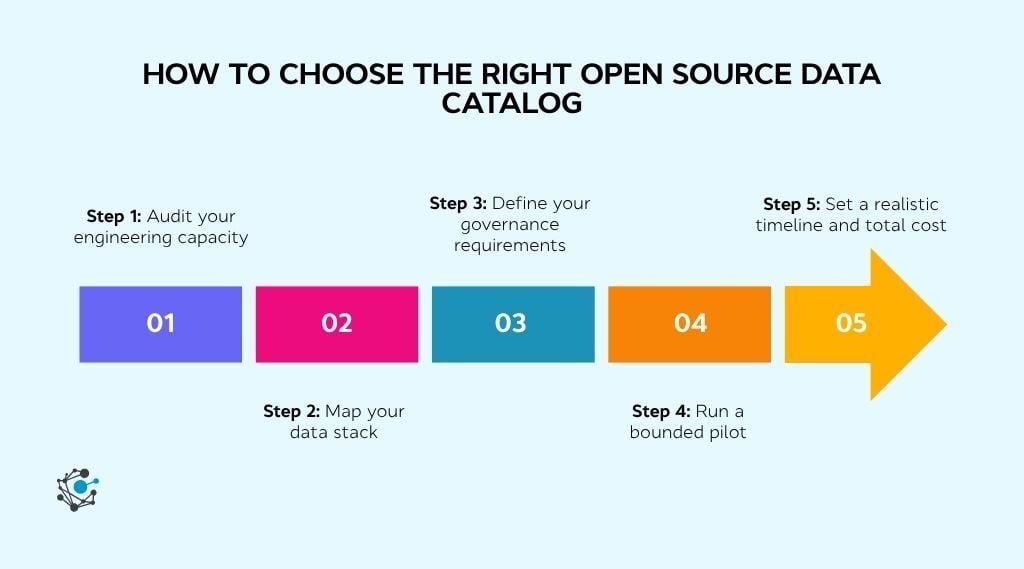
Picking the right open source data catalog is not about finding the tool with the longest feature list. It is about matching the tool to your team's actual capacity, stack, governance needs, and timeline. Five steps cut through the noise.
Step 1: Audit your engineering capacity
The single biggest predictor of success with open source is dedicated engineering bandwidth. Count how many platform engineers you can allocate to catalog operations on an ongoing basis, not just for initial setup, but for upgrades, connector maintenance, and production support.
If the answer is zero, open source will stall after the pilot and a managed platform is the more honest path forward.
Step 2: Map your data stack
List every source system the catalog needs to connect to: warehouses, databases, BI tools, orchestration platforms, ML services. Then check each tool's connector coverage against that list. Native connectors reduce time to value. Missing connectors mean custom engineering.
If more than a third of your sources need custom work, that is a signal to widen your evaluation beyond open source.
Step 3: Define your governance requirements
Write down what governance means for your organization today, not aspirationally. Do you need role-based access control? Attribute-based access? Automated PII classification? Data masking? Policy enforcement at scale? Most open source catalogs cover basic RBAC. Everything beyond that is either missing, immature, or reserved for commercial editions.
If your compliance requirements are non-negotiable, this step alone may narrow the field to enterprise platforms like OvalEdge that operationalize the pillars of data governance from day one.
Step 4: Run a bounded pilot
Deploy your top candidate in a sandbox against one high-value data domain, not the entire estate. Test search accuracy, lineage visualization, glossary tagging, and ownership workflows. Involve both engineers and non-technical users (analysts, stewards) during the pilot.
If business users avoid it, the catalog will not drive adoption regardless of its technical depth.
Step 5: Set a realistic timeline and total cost
Open source catalogs typically need three to six months to reach production readiness. Add infrastructure costs (cloud compute, storage, monitoring), ongoing engineering allocation (typically 30% of one to two engineers' time), and the opportunity cost of features your team will not build during that window.
If the total surprises you, or if your team needs governed, searchable metadata inside 90 days, managed platforms are built for that timeline.
Conclusion
Open source data catalogs have come a long way. The leading projects offer real metadata discovery, lineage tracking, and basic governance capabilities that would have required enterprise licensing just a few years ago. For teams with dedicated platform engineering capacity and time to invest, they are legitimate options worth evaluating seriously.
But maturity has limits. The gaps in automated governance, enterprise security, AI-ready context delivery, and connector breadth mean most organizations hit a ceiling within a year or two of deployment. The catalog quietly becomes a second product your team has to maintain, and the engineering hours spent on infrastructure, upgrades, and custom connectors add up faster than the original evaluation anticipated.
OvalEdge closes those gaps with a unified, AI-powered data catalog platform that combines automated metadata management, lineage, governance, and 150+ pre-built connectors. Teams get governed, AI-ready metadata without building the infrastructure from scratch.

Book a demo to see how it works for your data estate.
.png?width=1081&height=173&name=Forrester%201%20(1).png)
.png?width=1081&height=241&name=KC%20-%20Logo%201%20(1).png)